Original: $32.99
-70%$32.99
$9.90The Story


Matte PLA review by Parliamo di Maker
Matte PLA review by INOV3D

Feature:
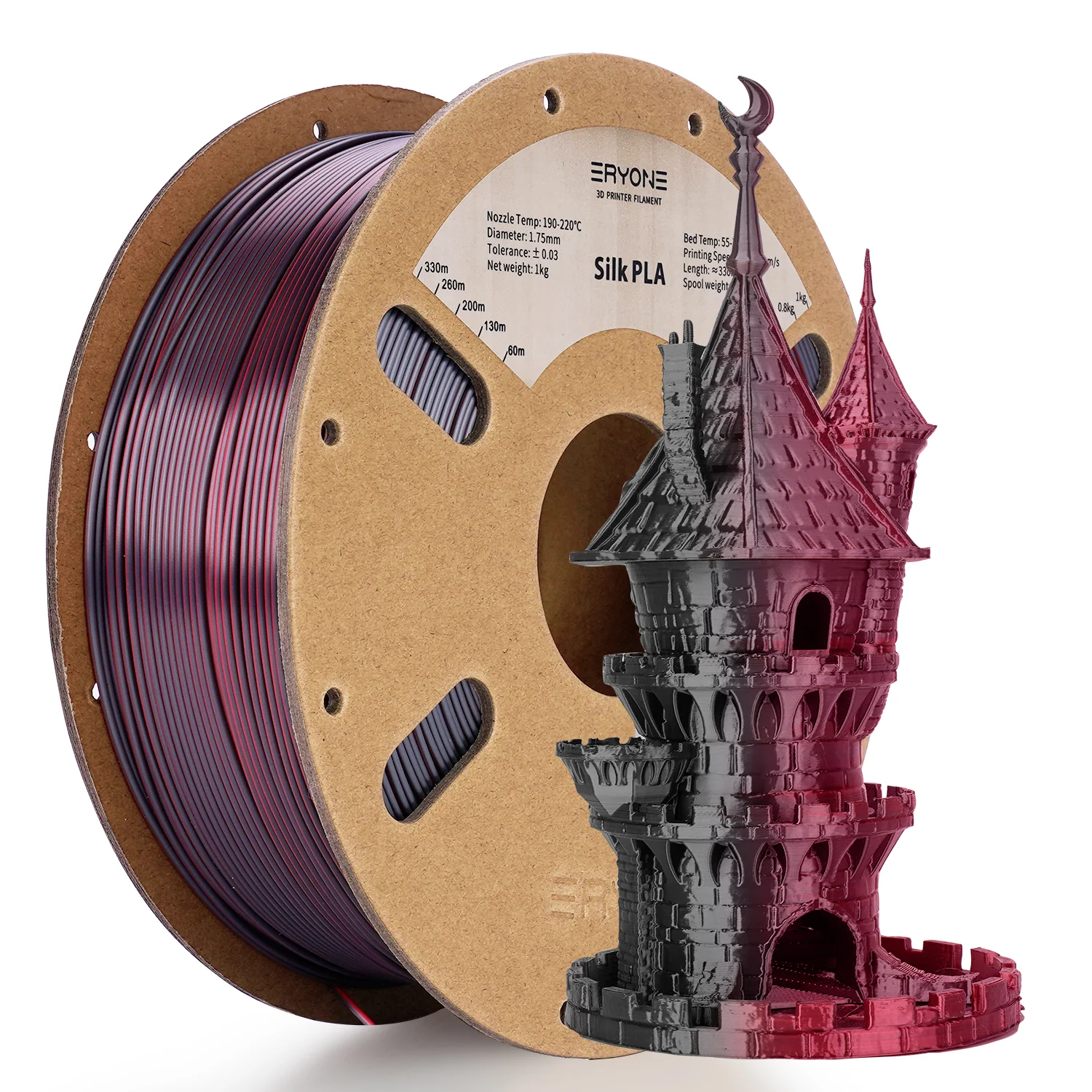
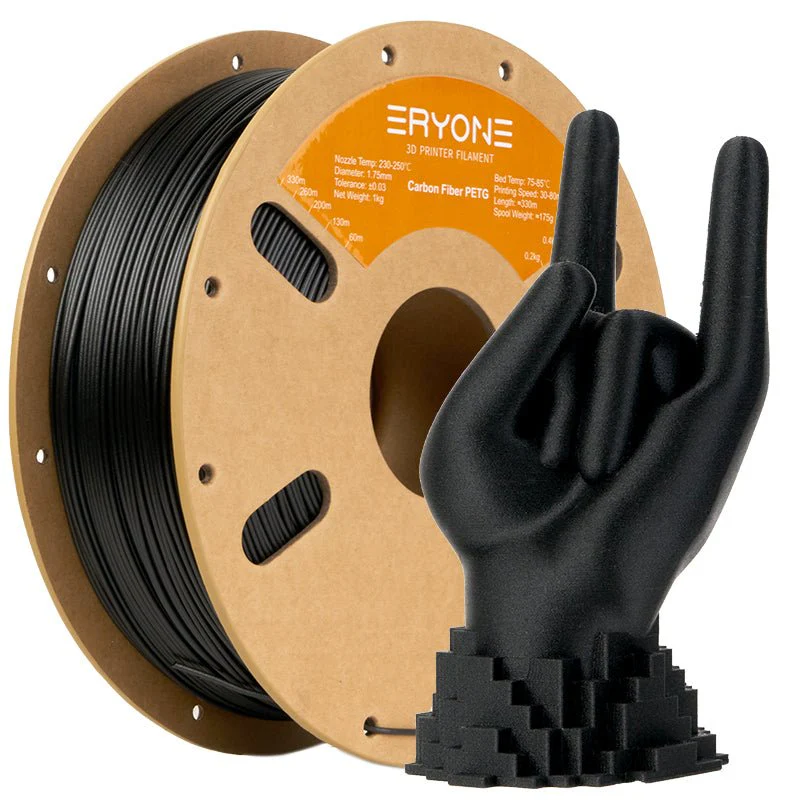
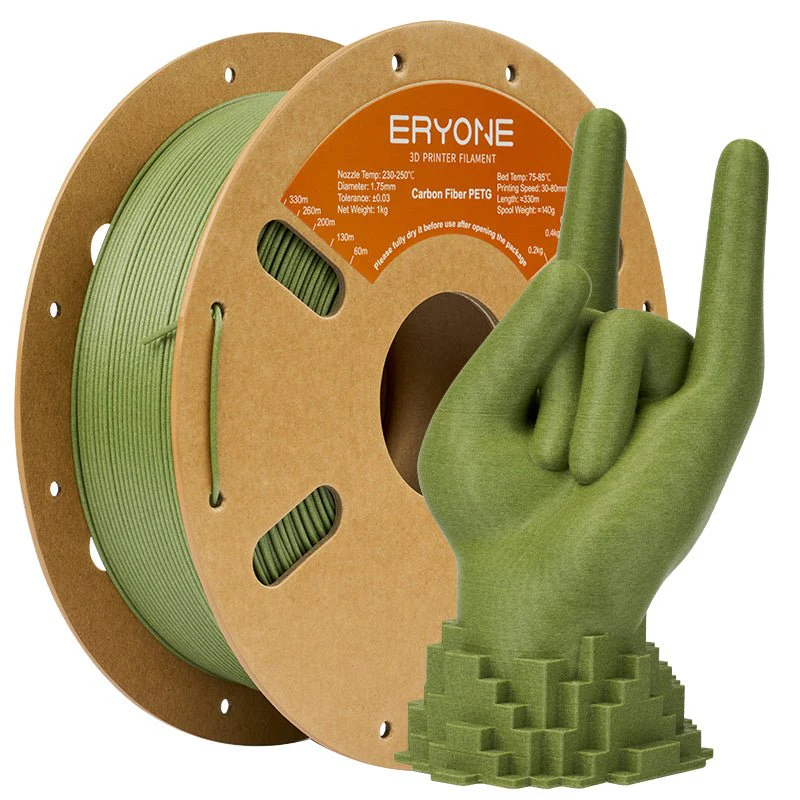
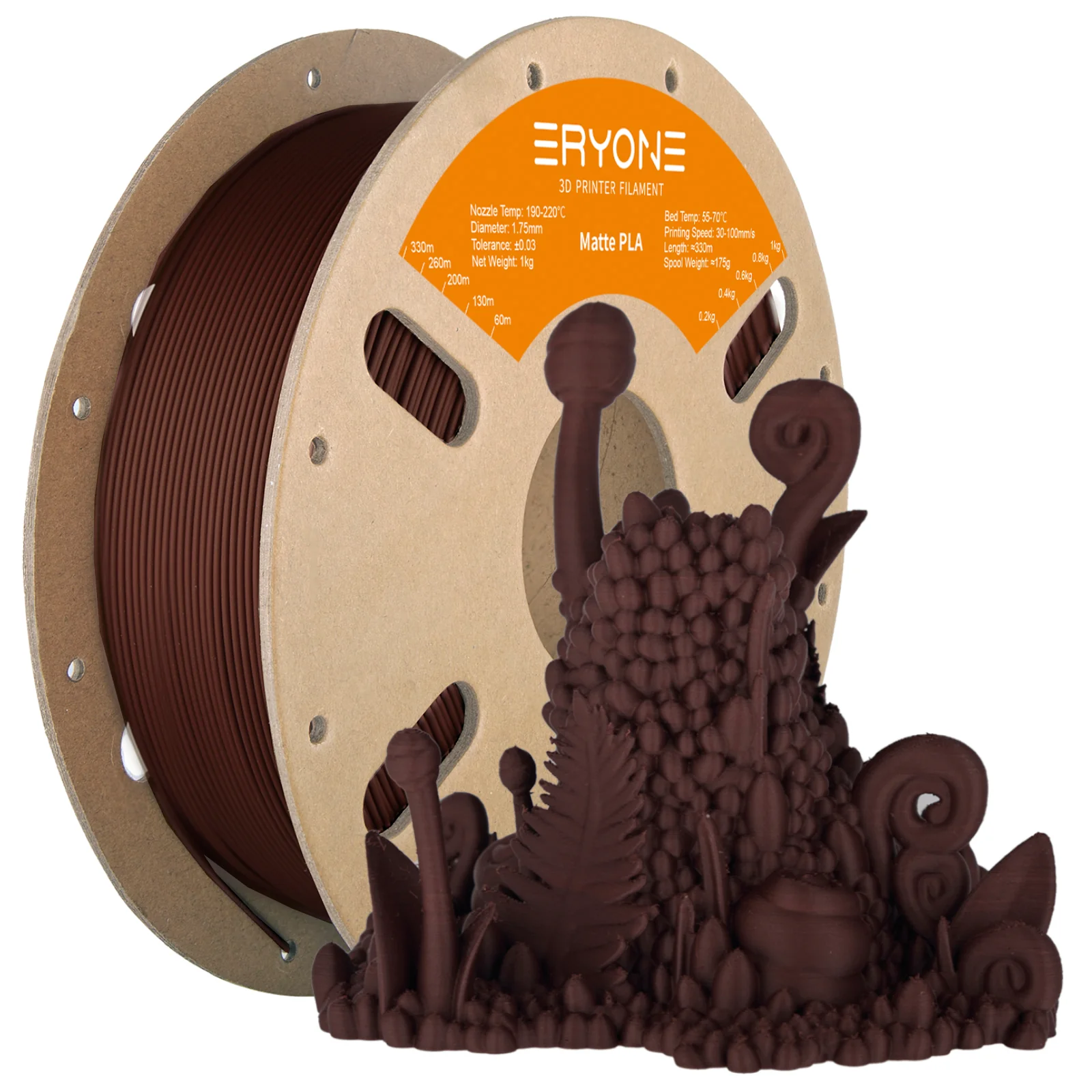
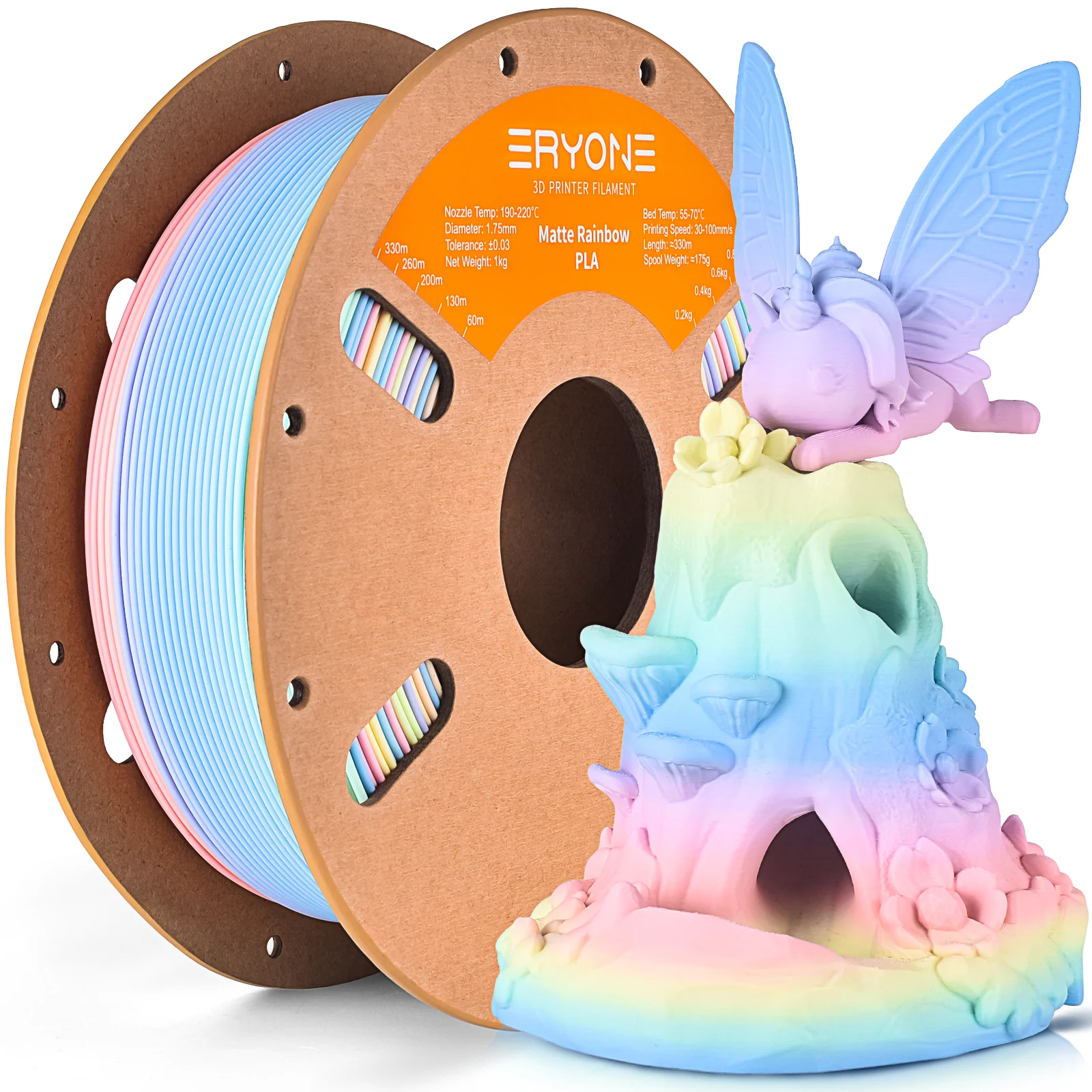
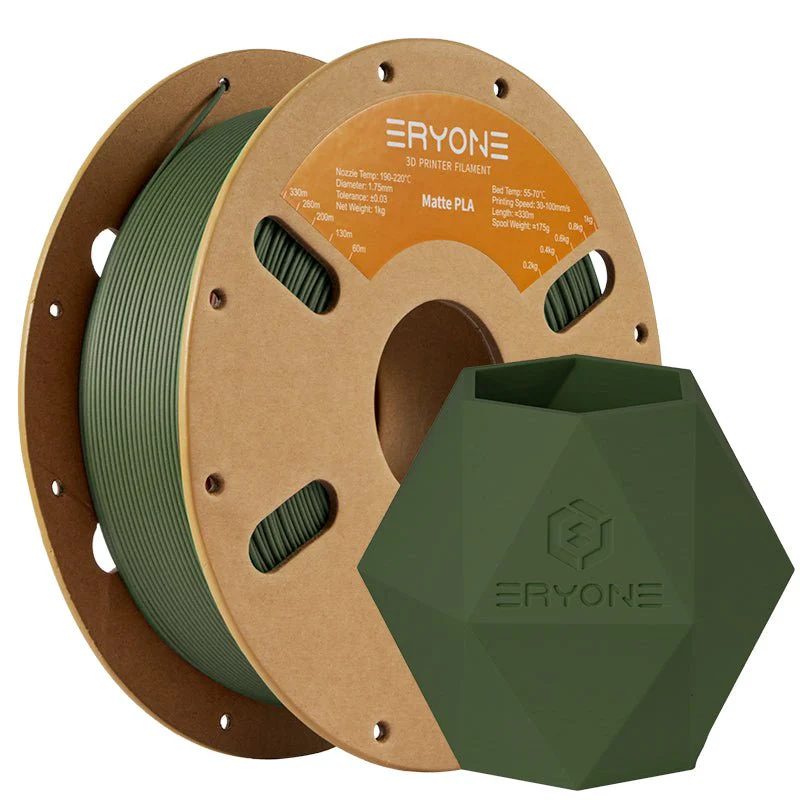
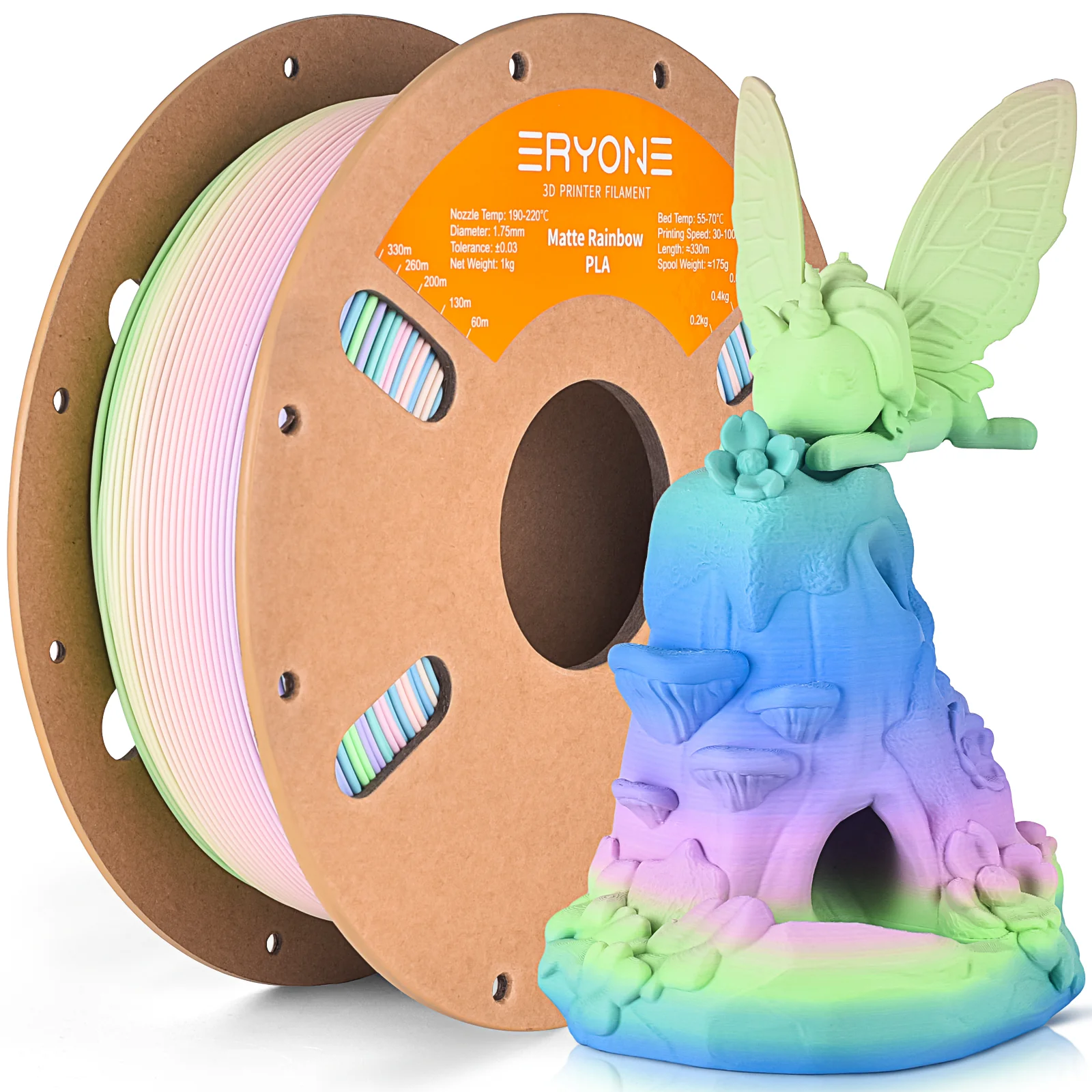
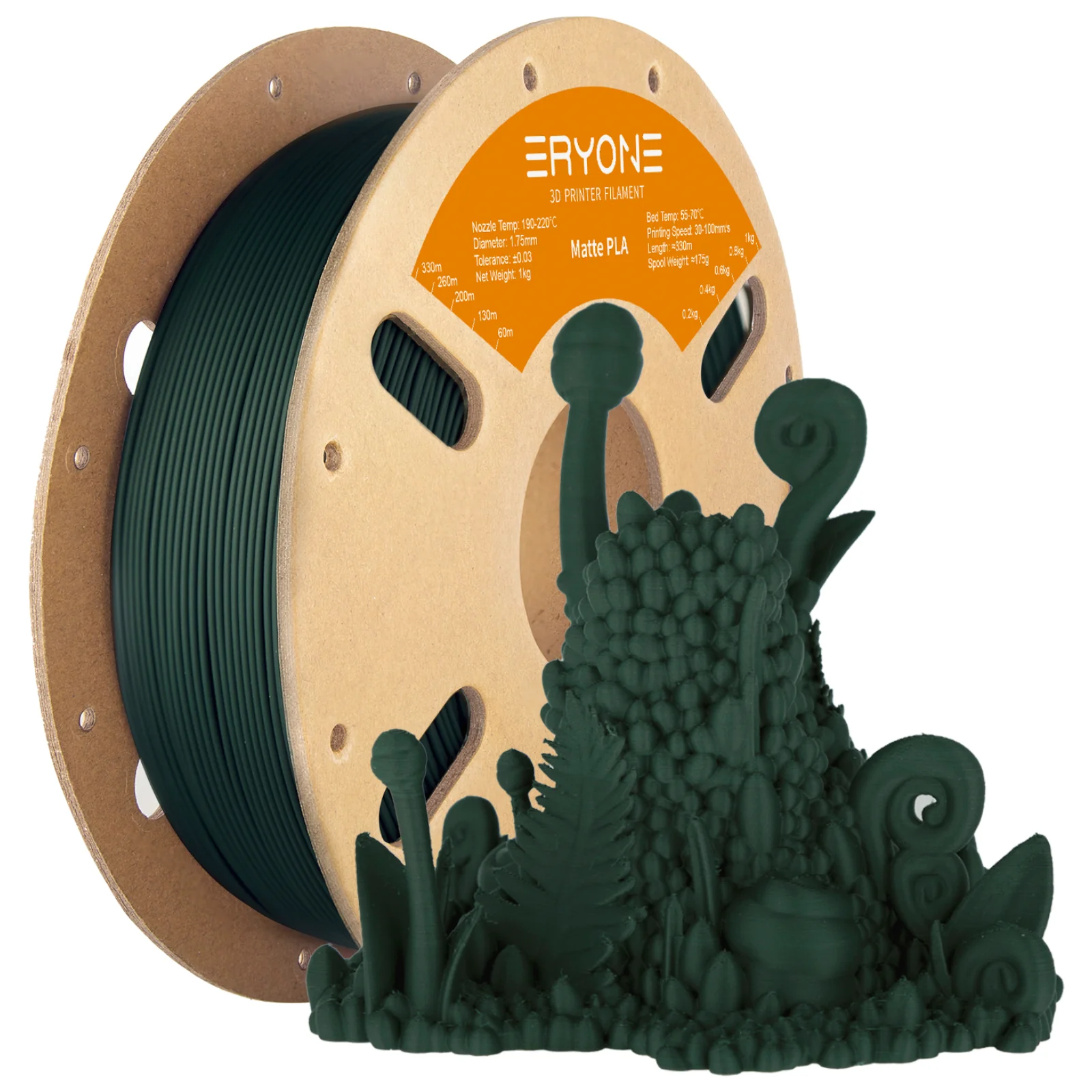
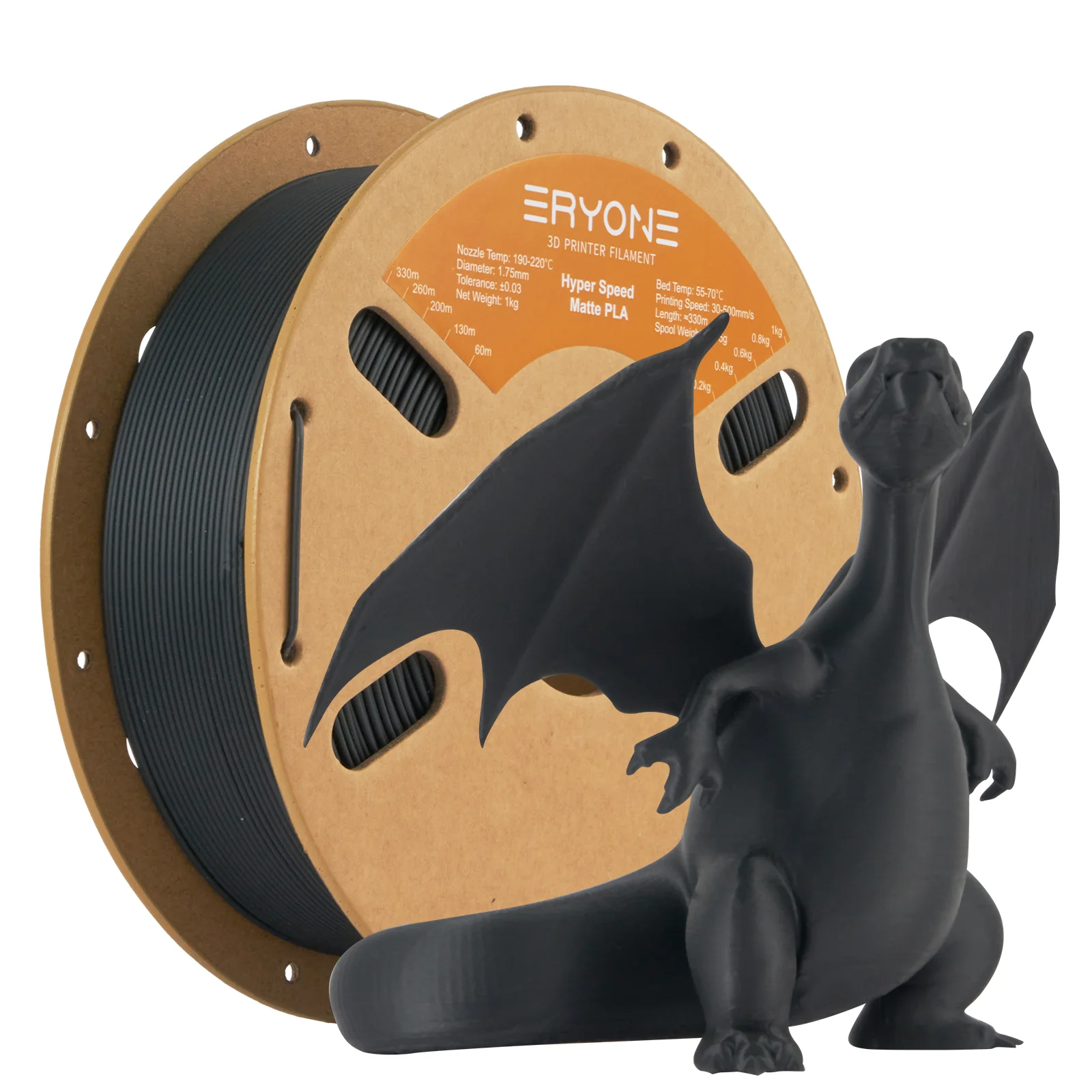
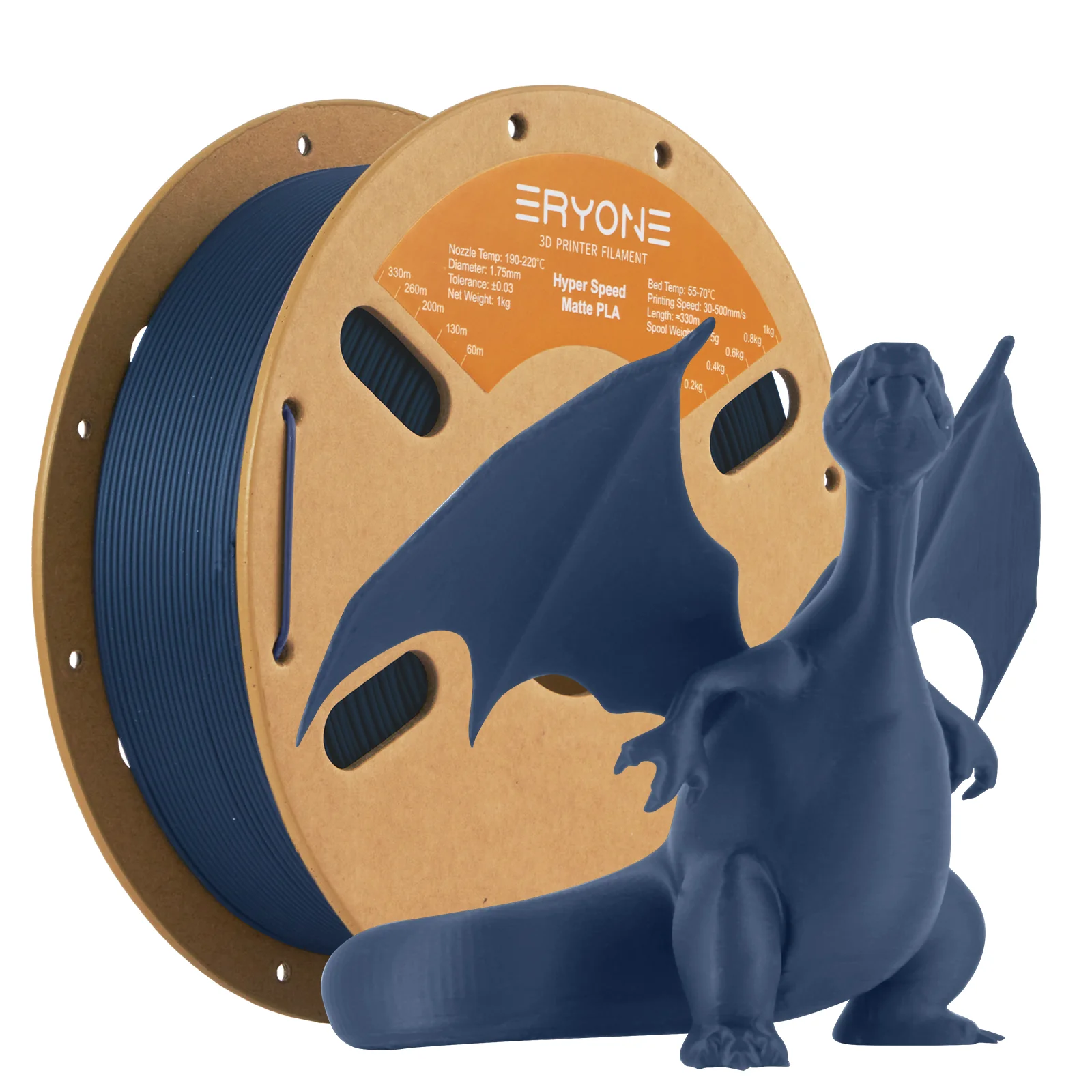
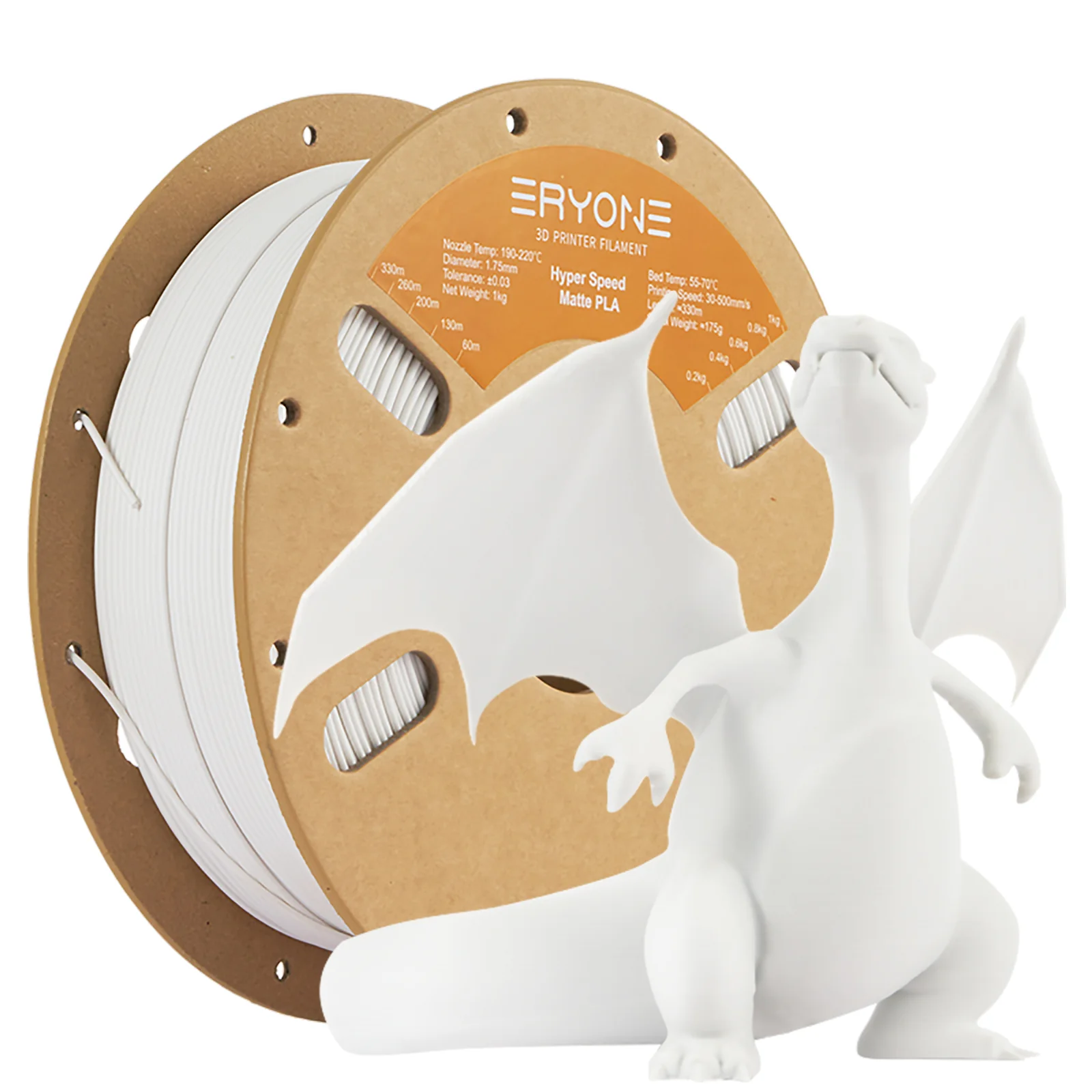
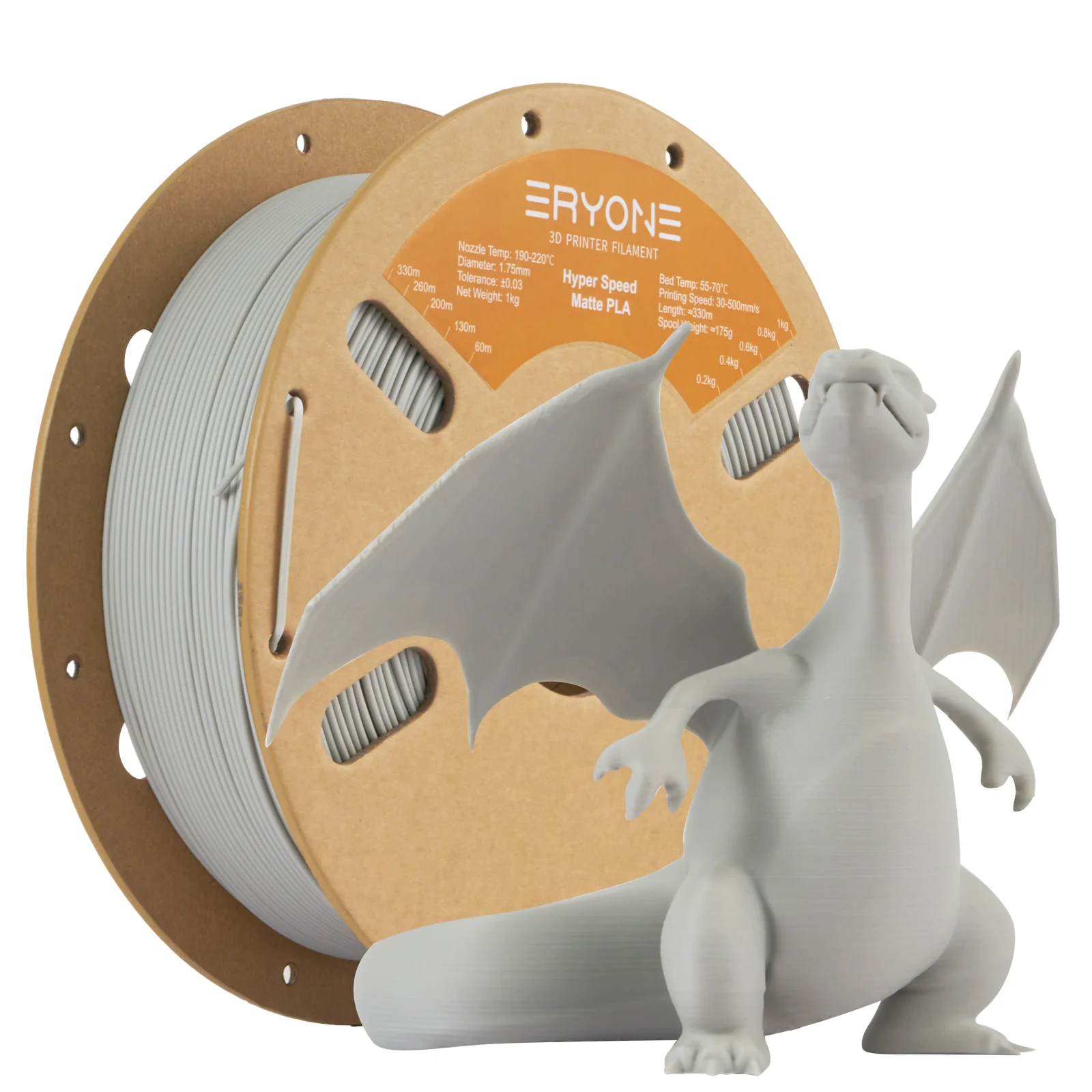
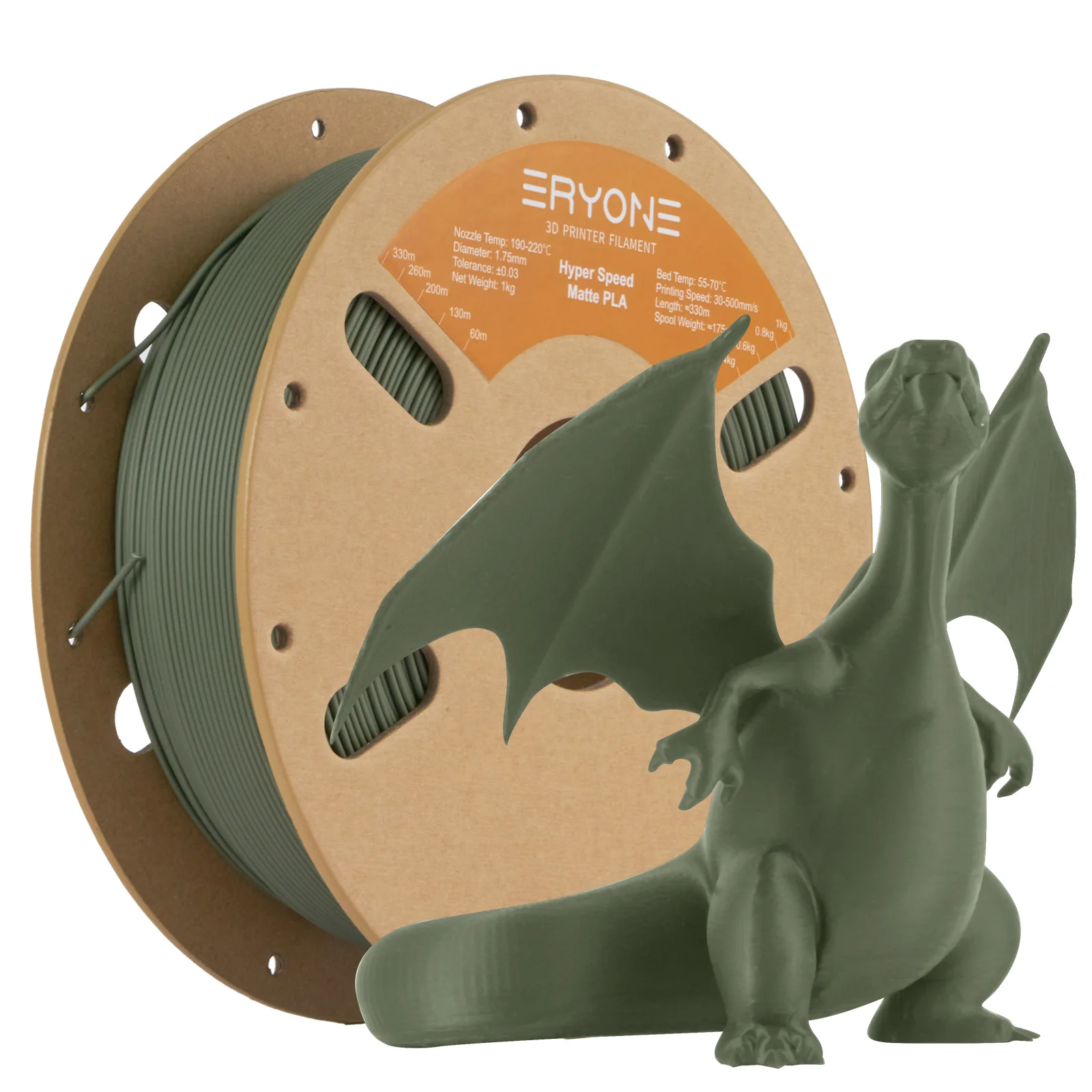
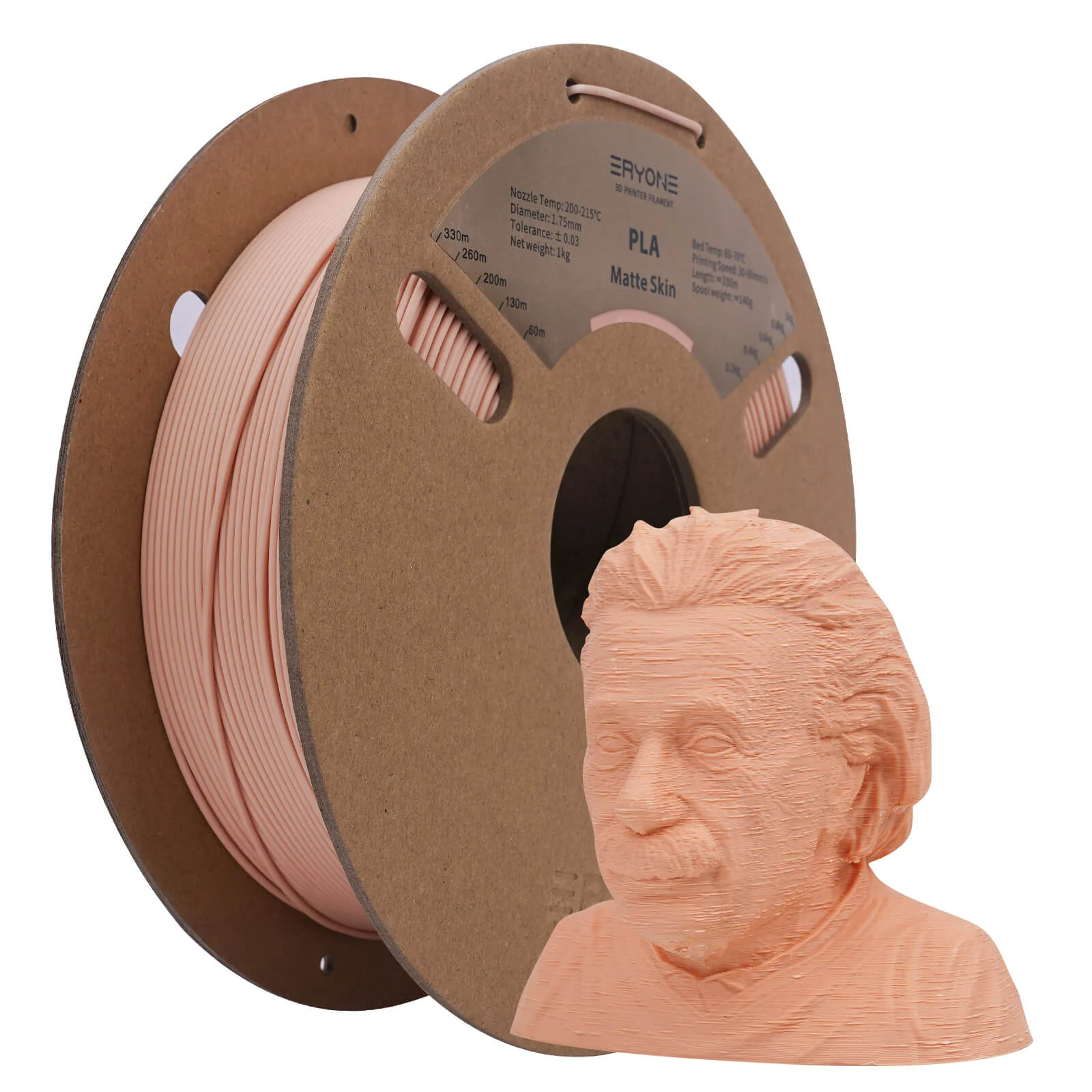
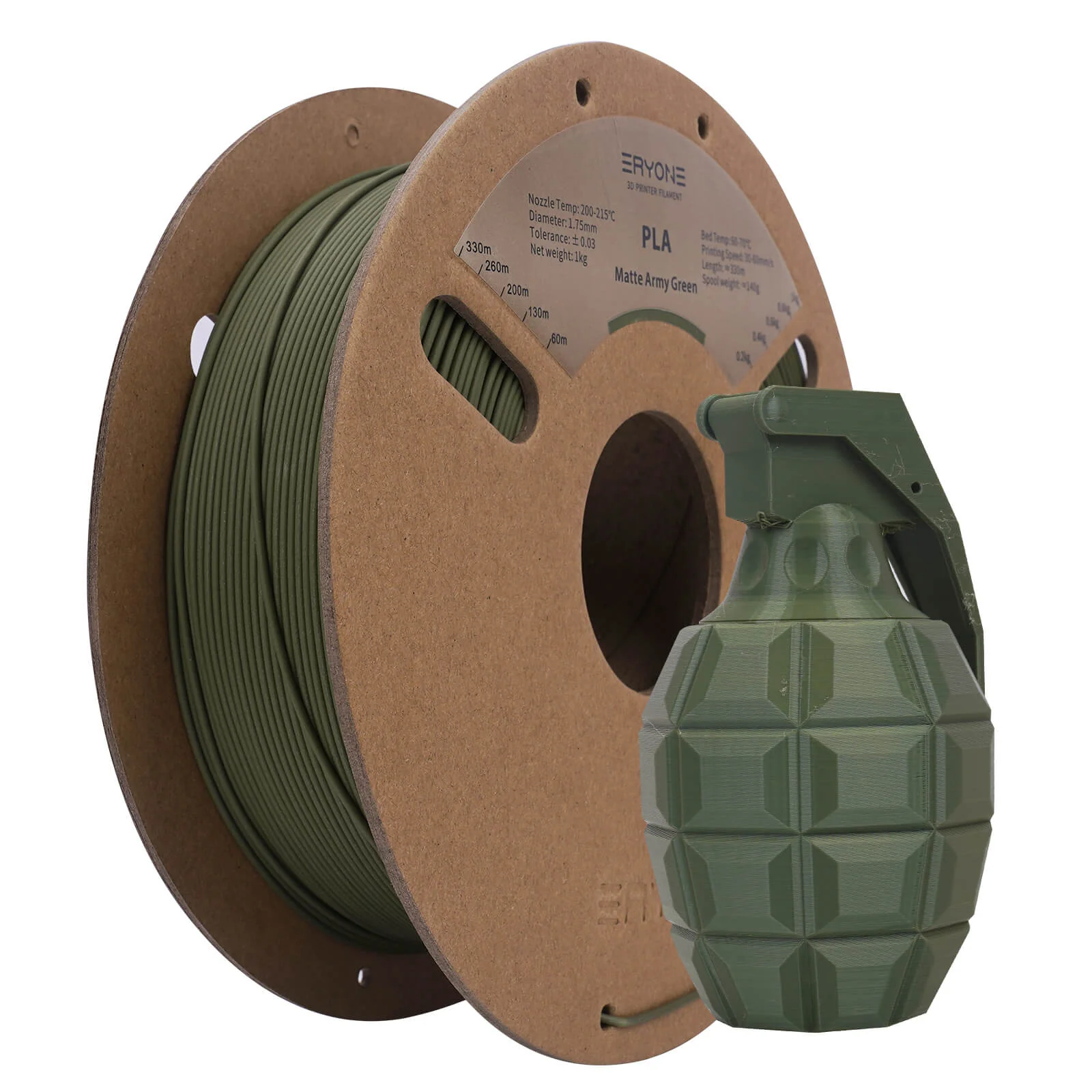
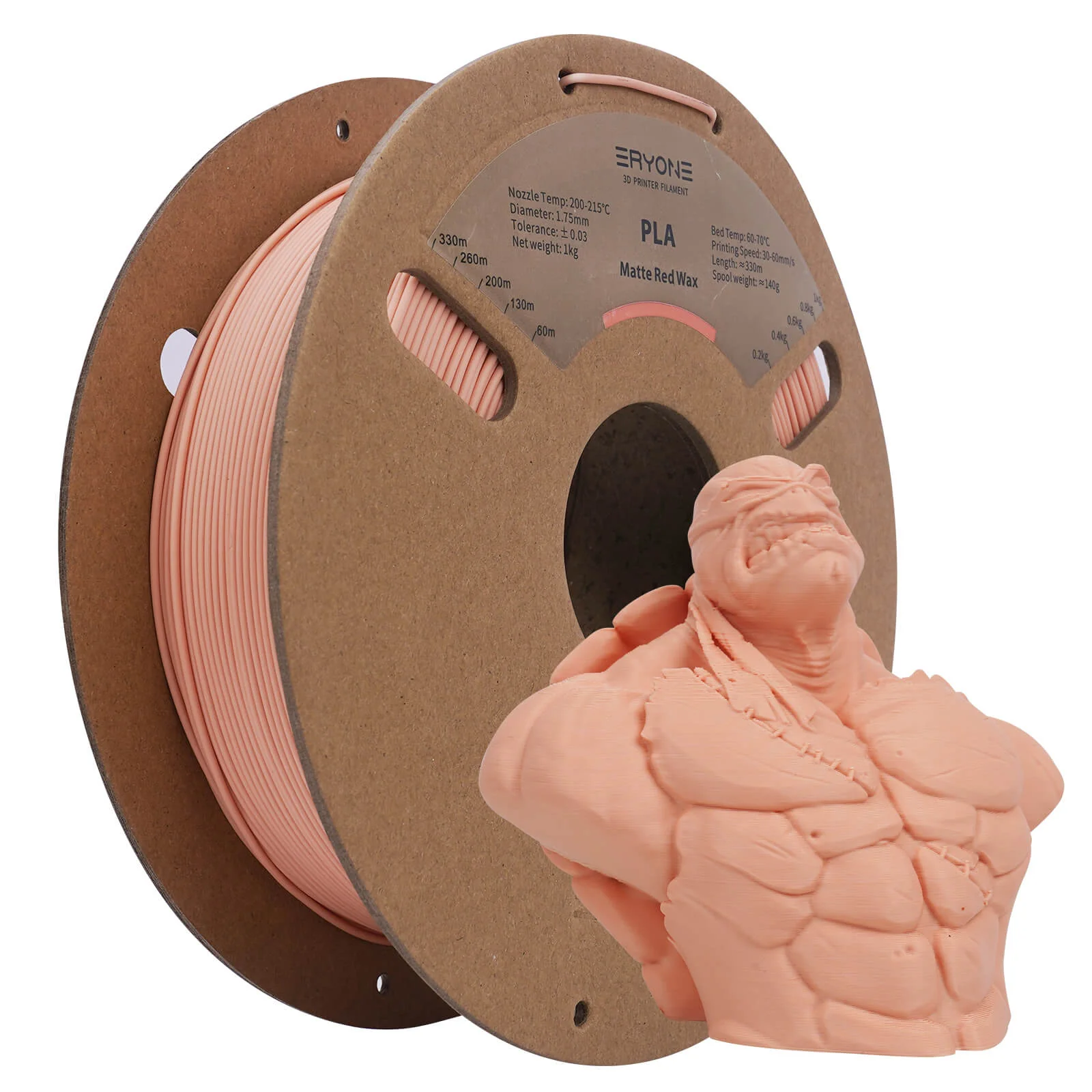
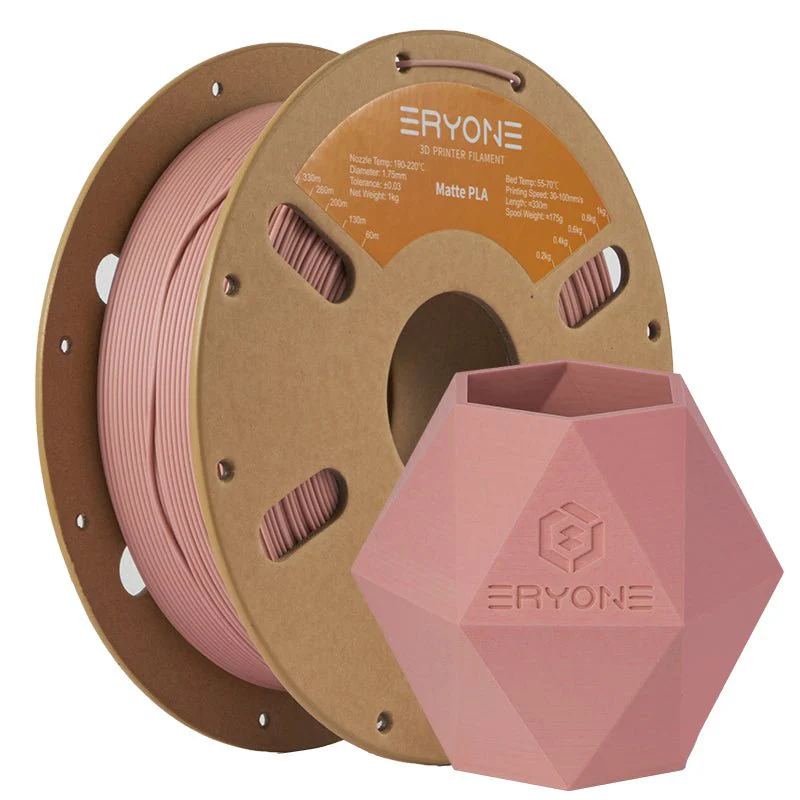
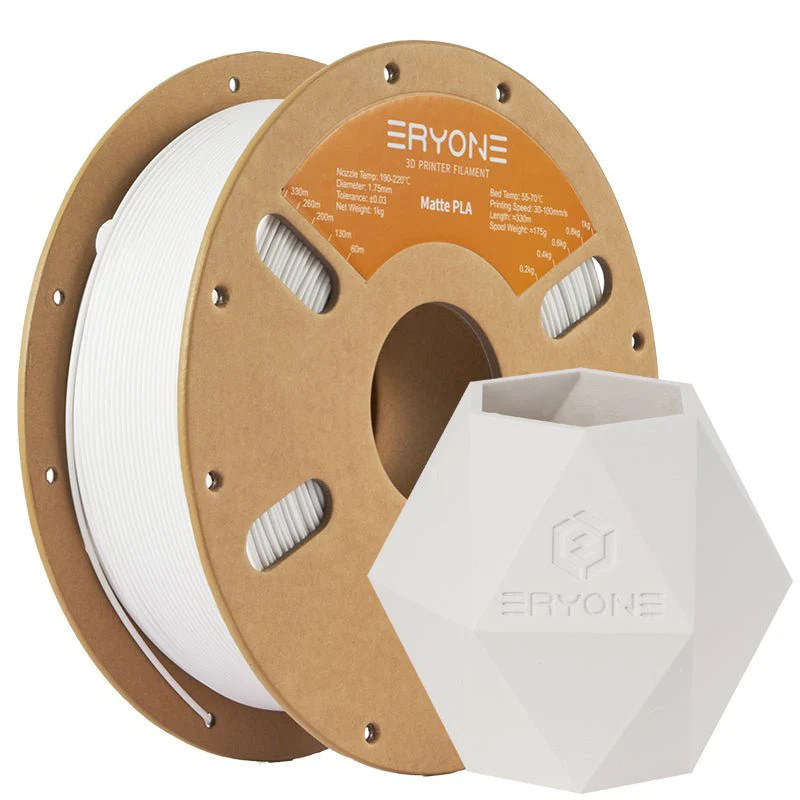
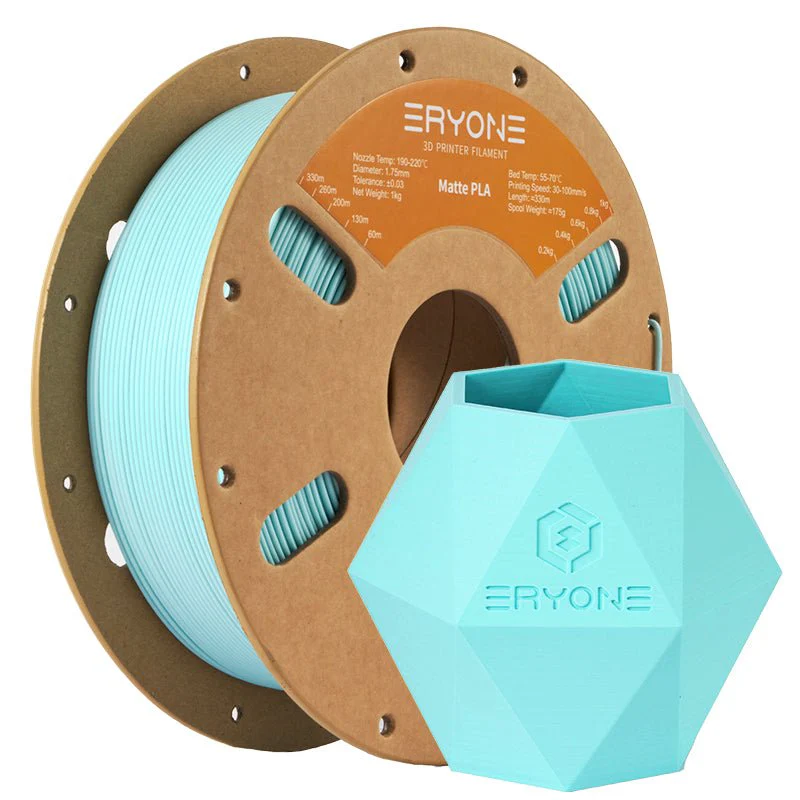
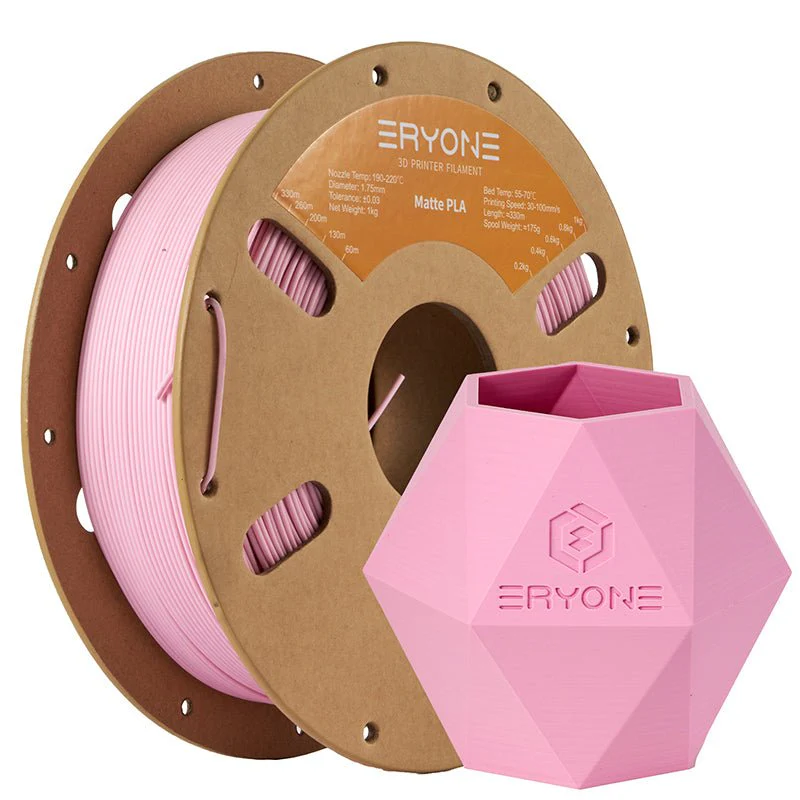
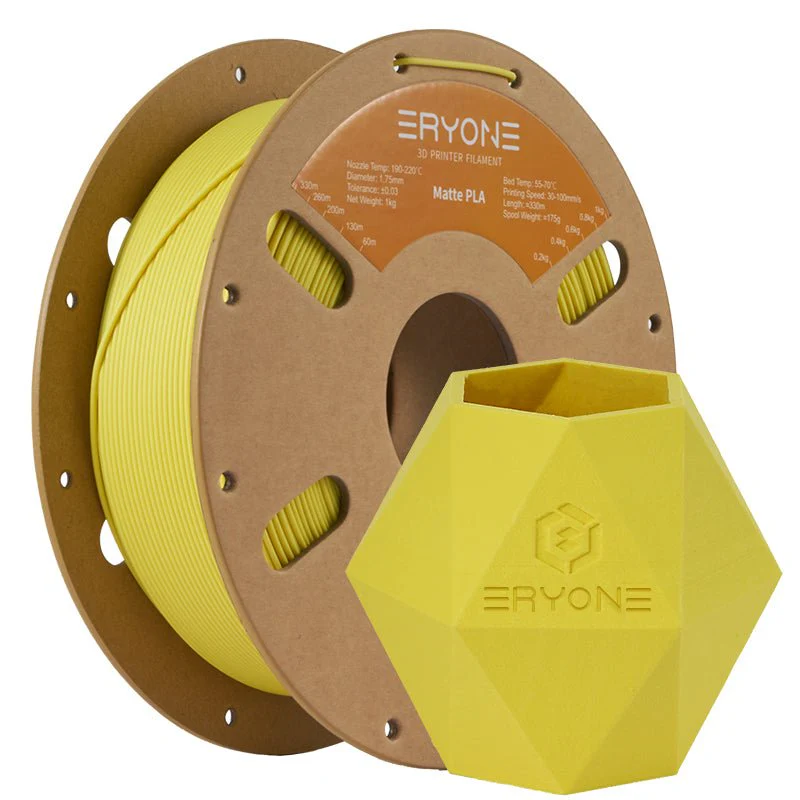
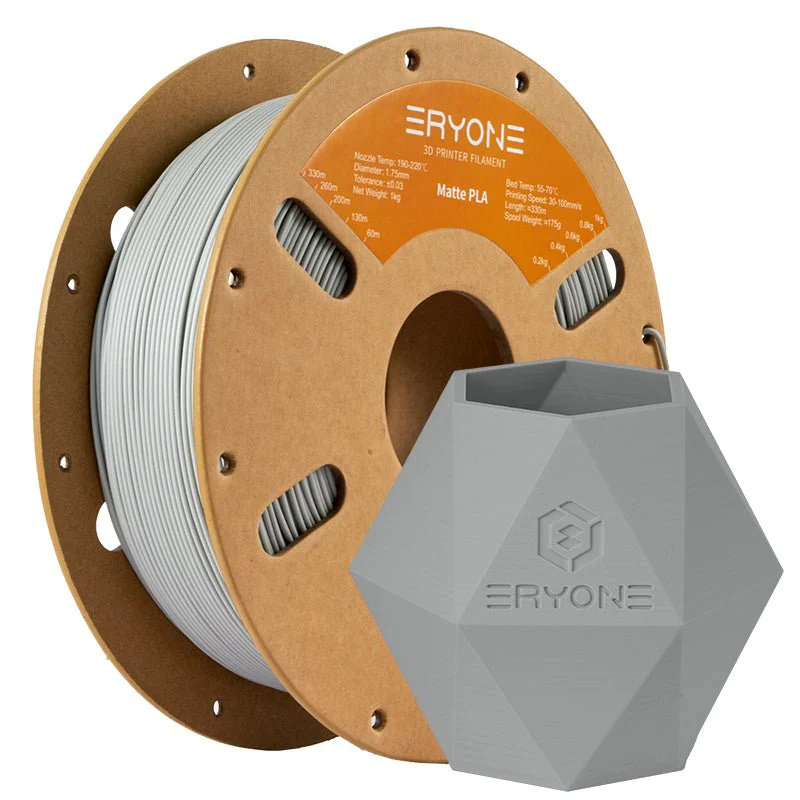
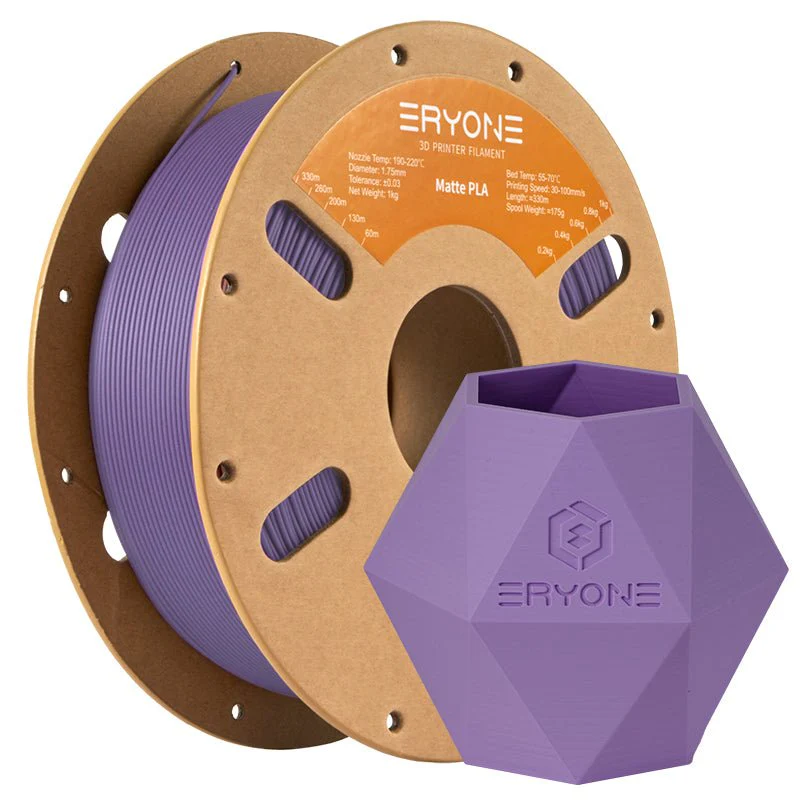
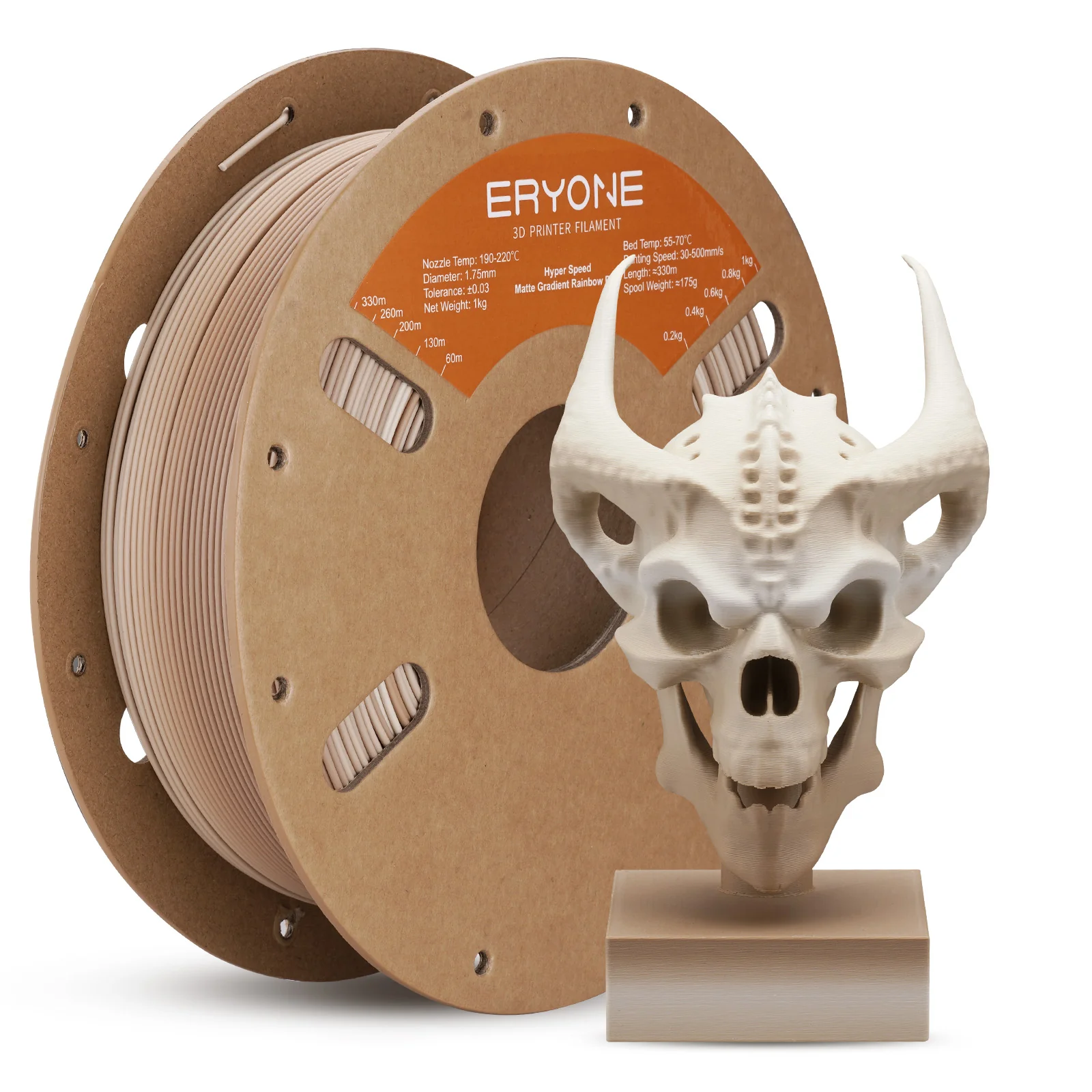
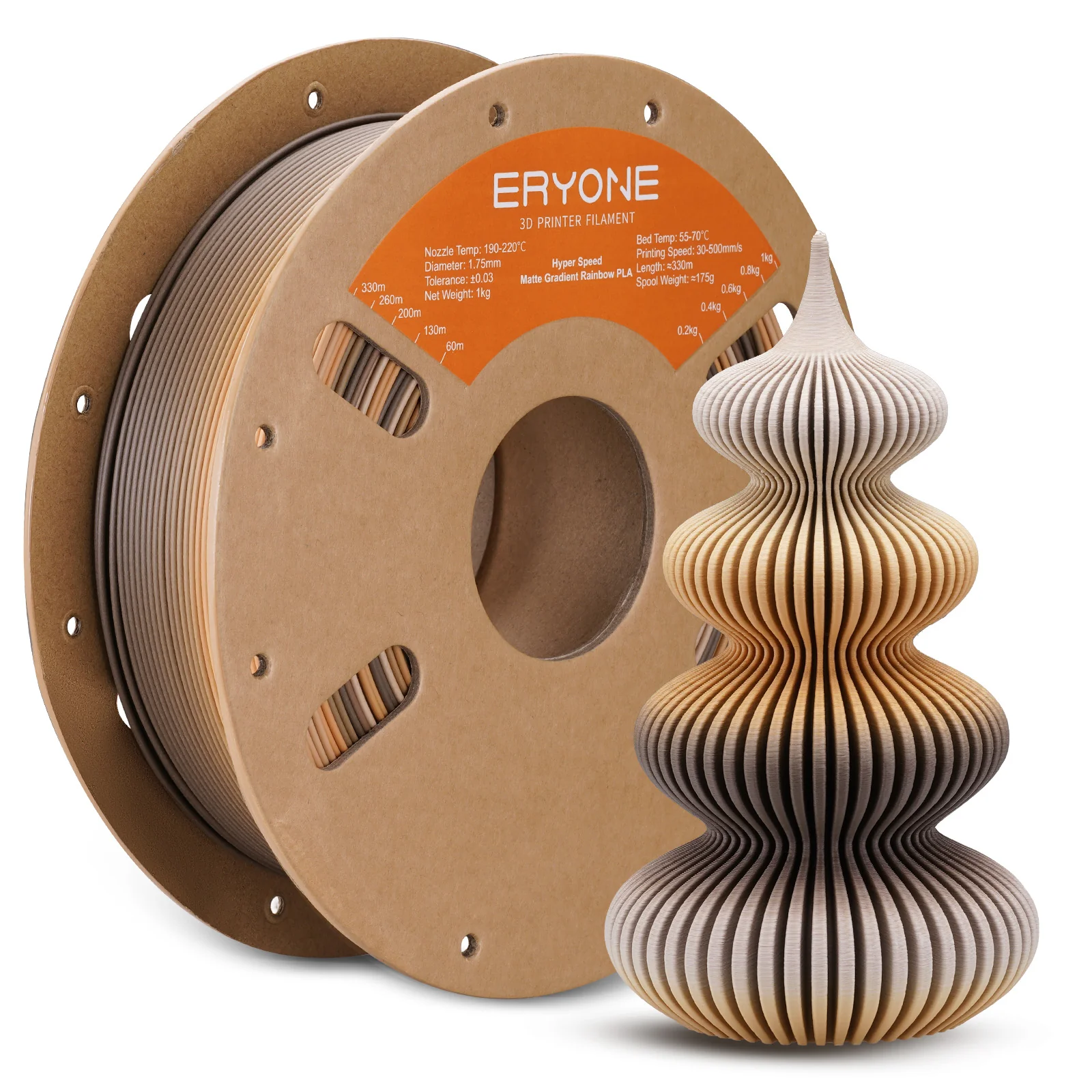
The surface of the print has a matte (matte) effect, which is suitable for printing artwork.
Specifications:
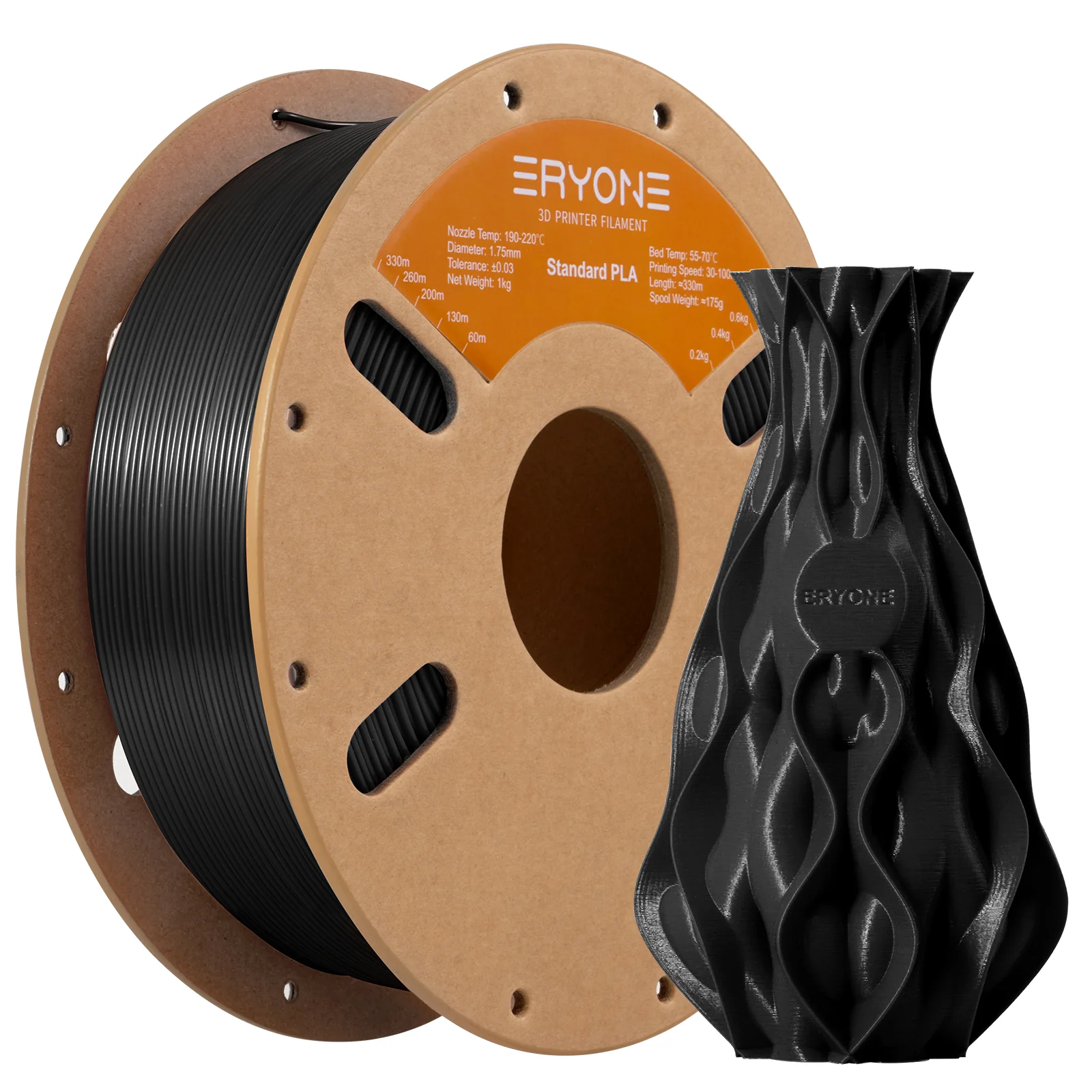
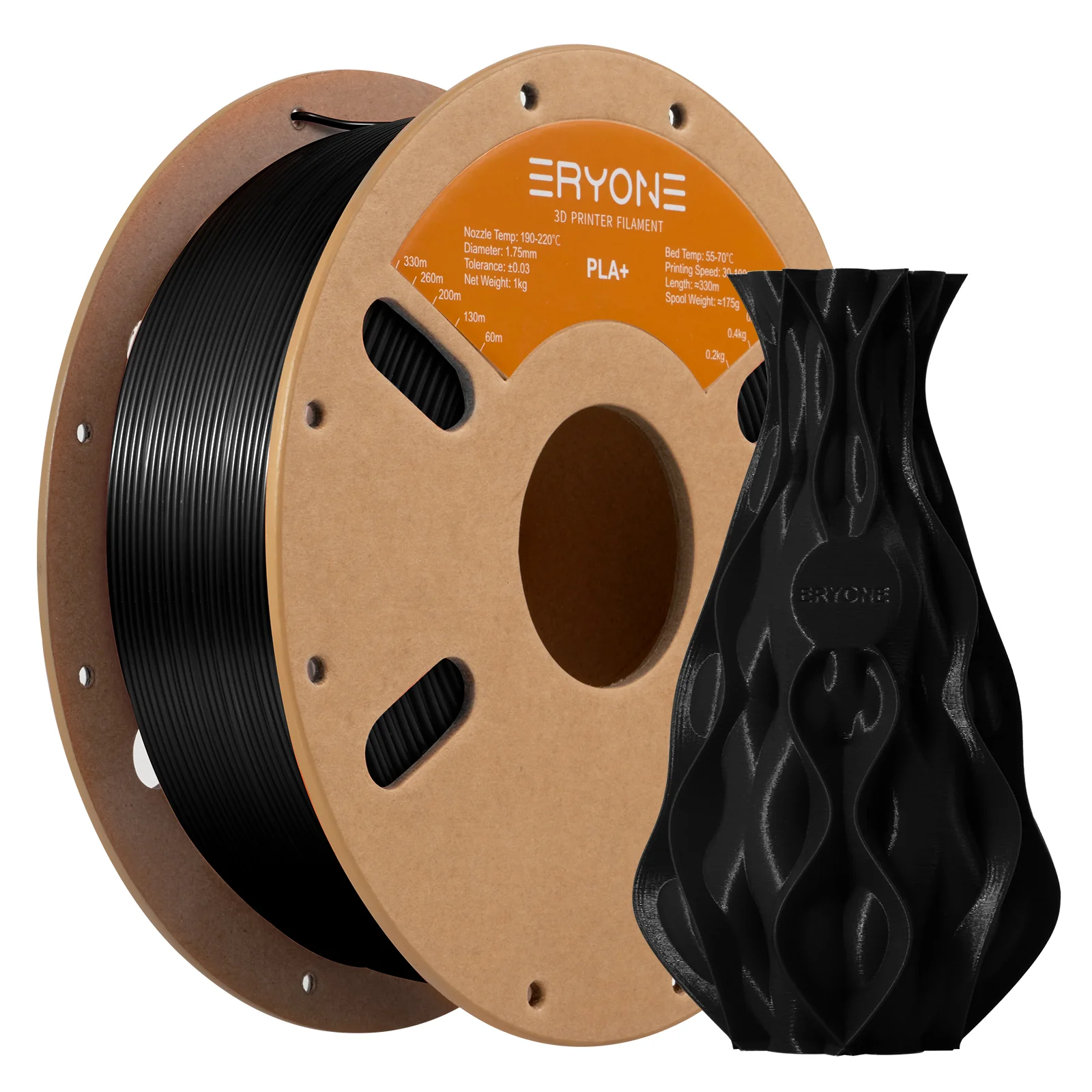
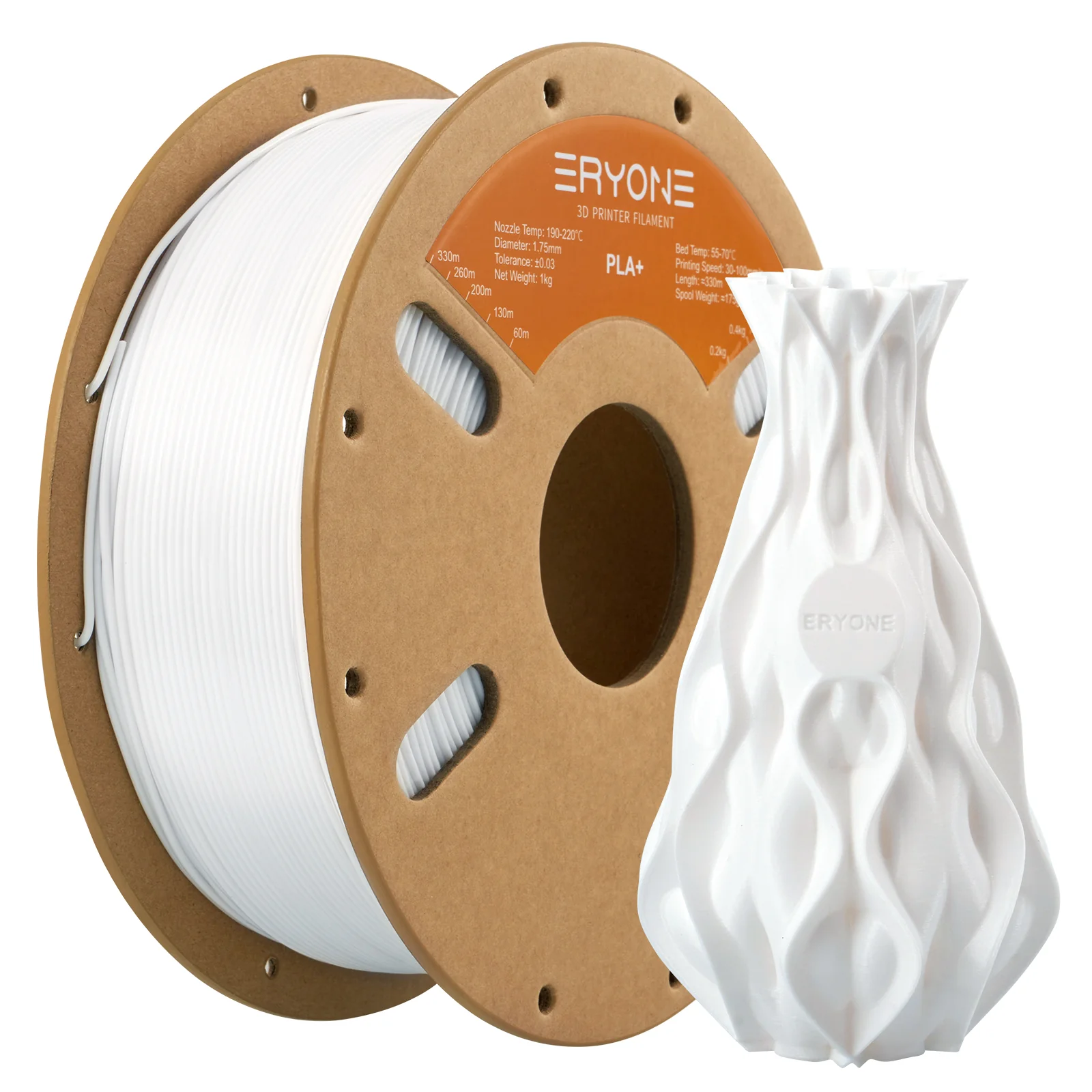
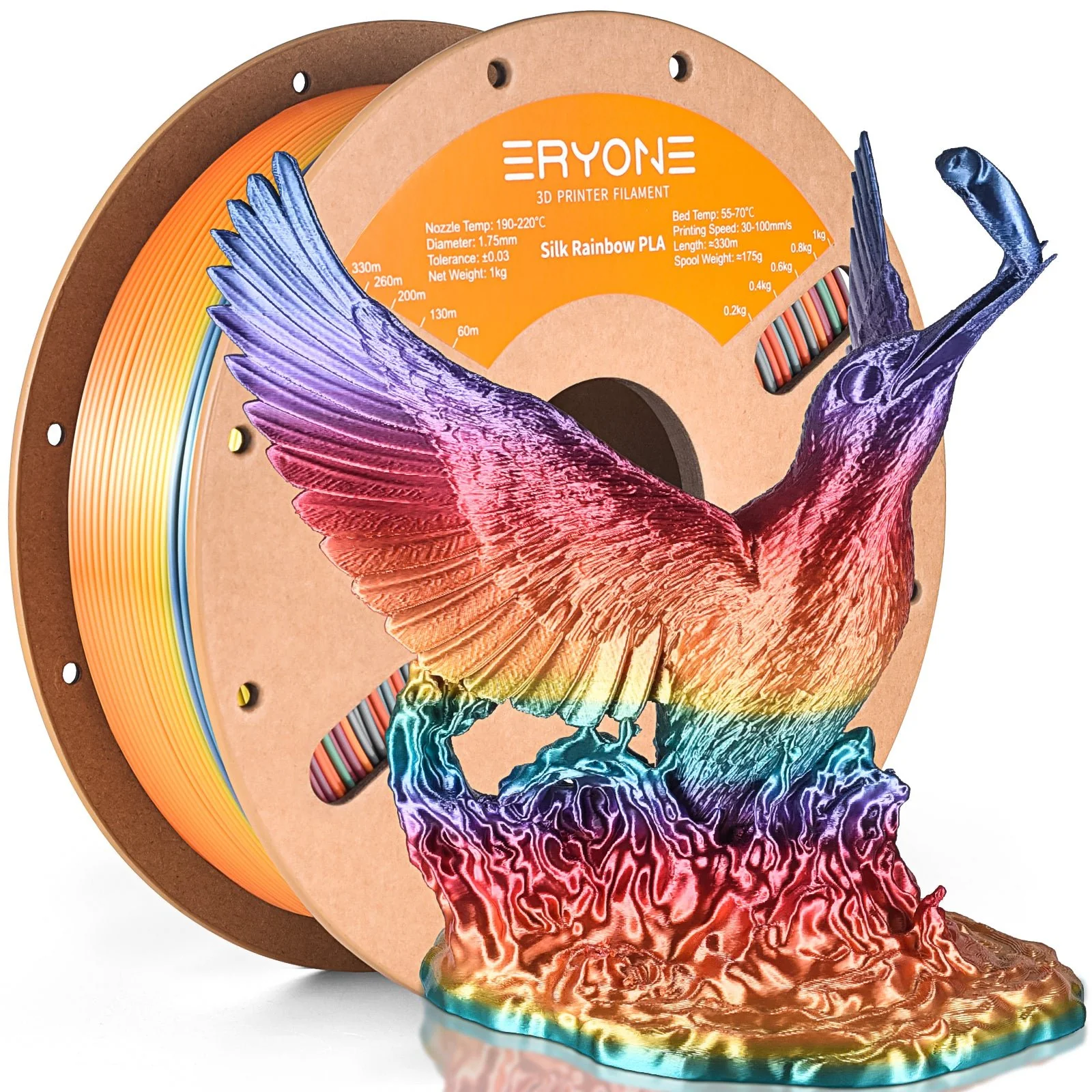
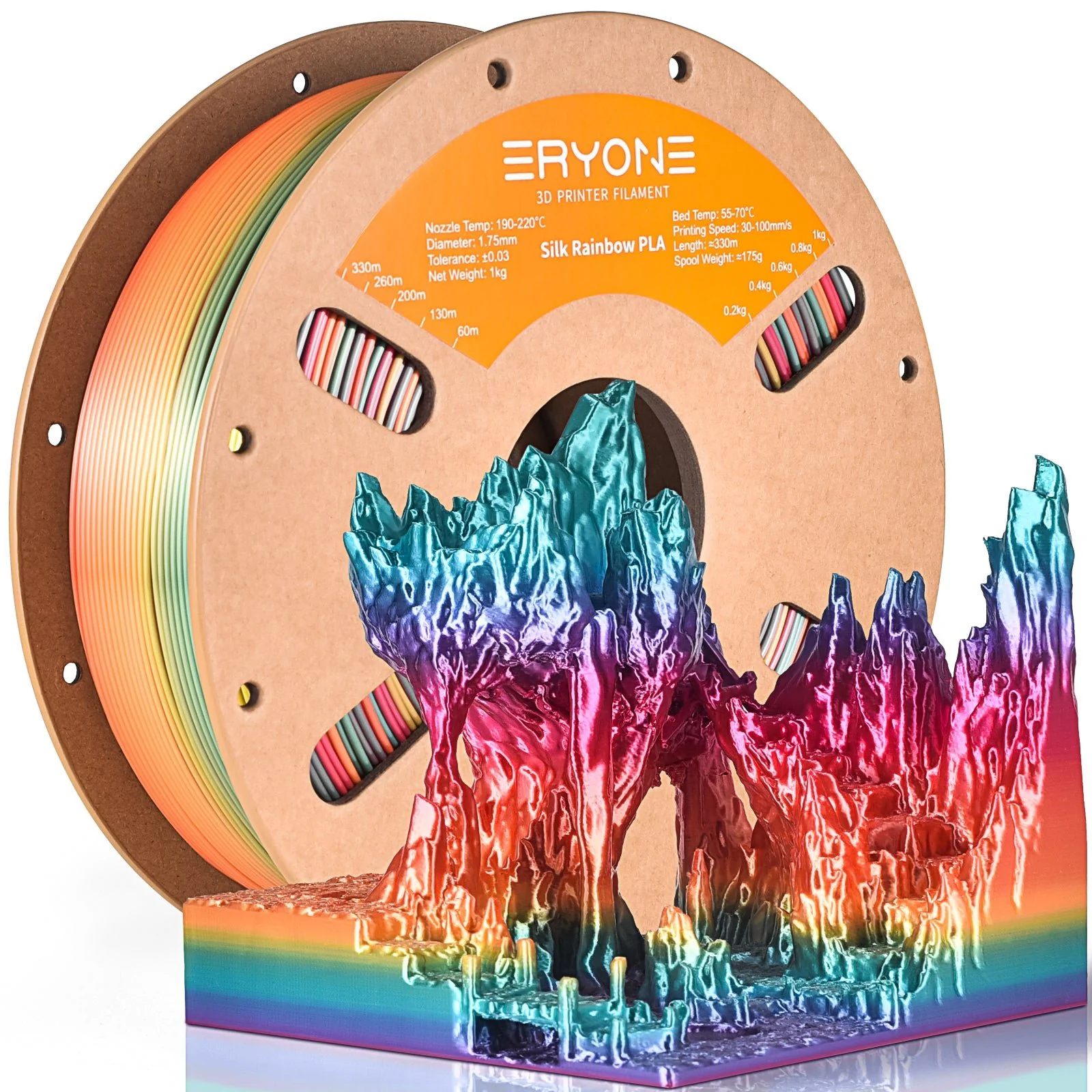
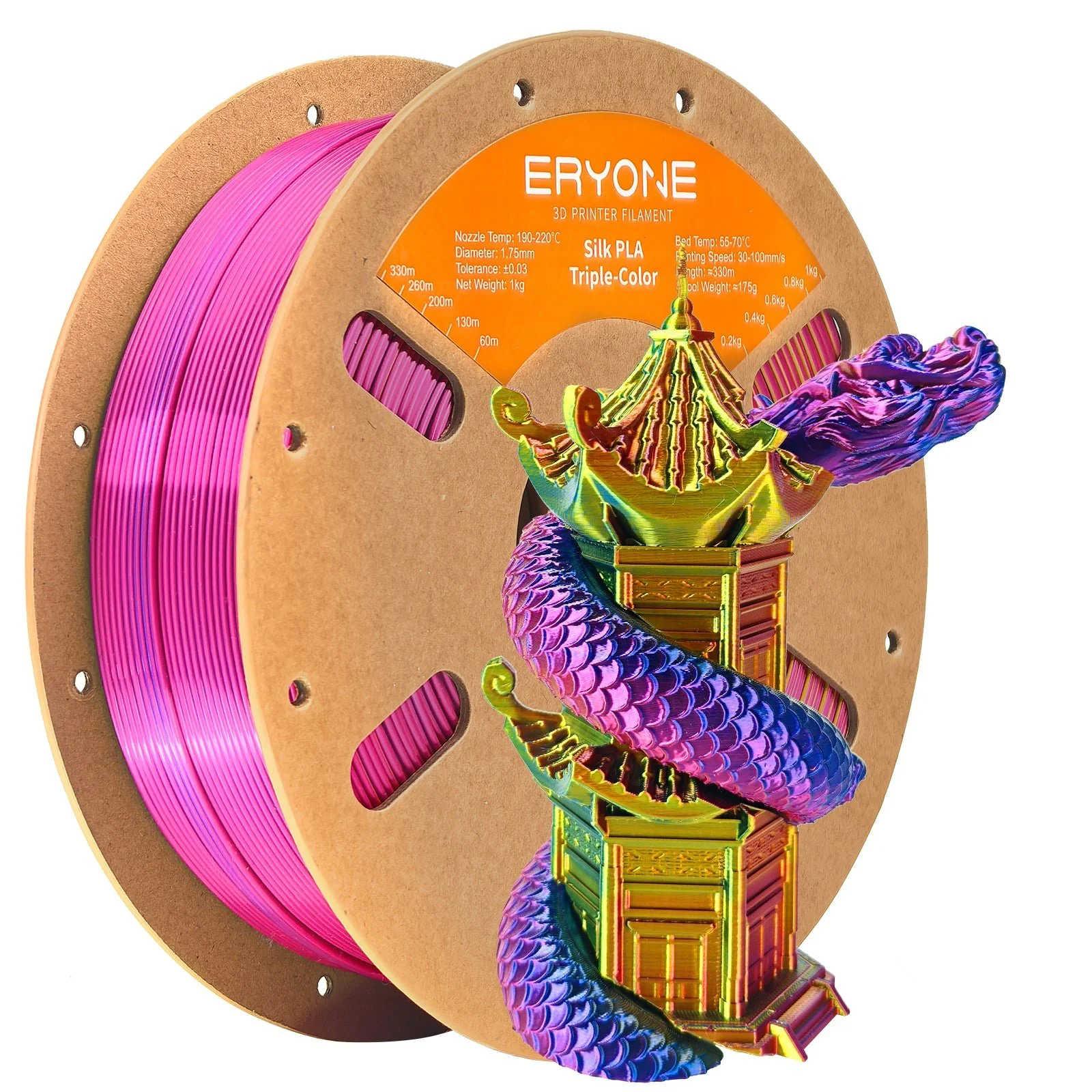
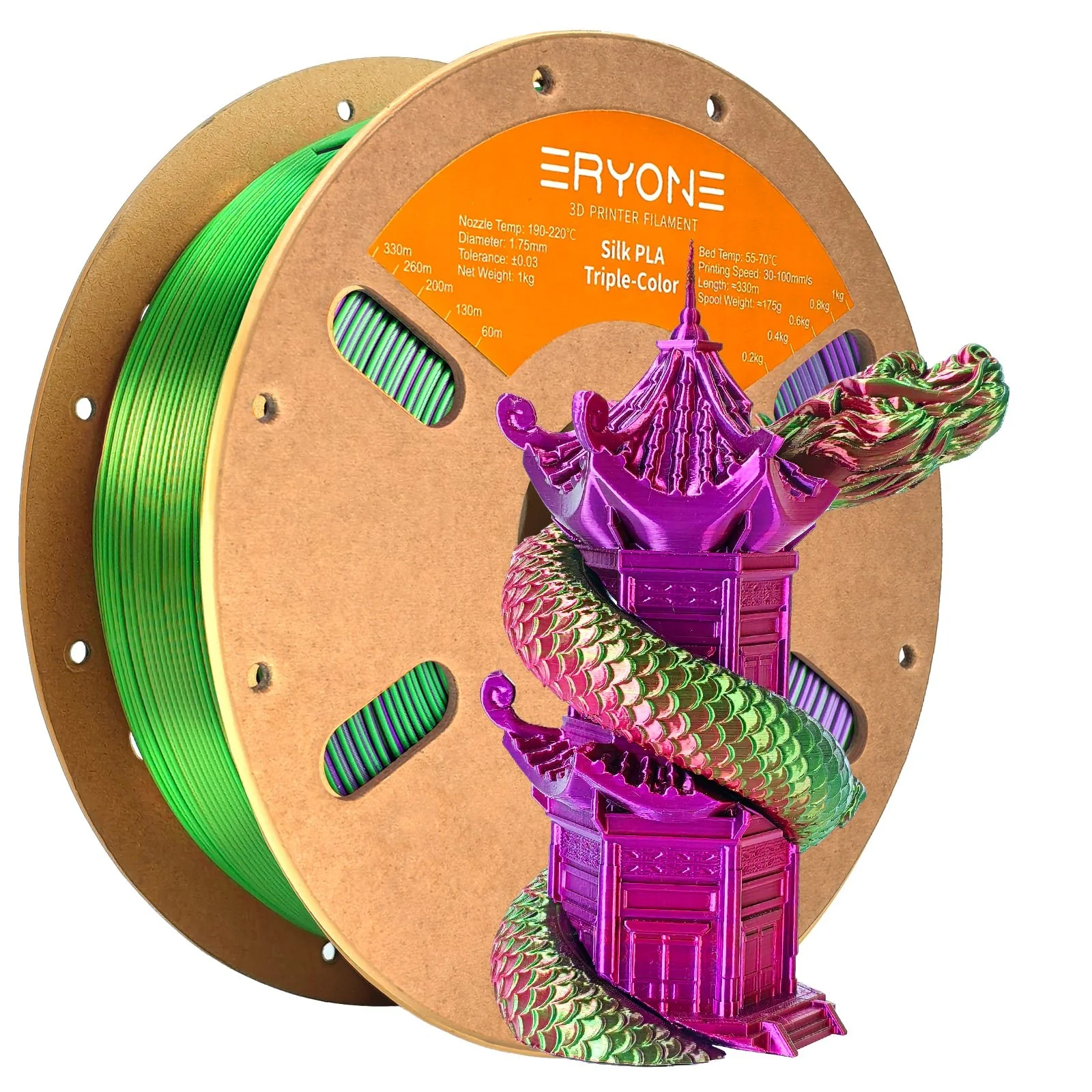
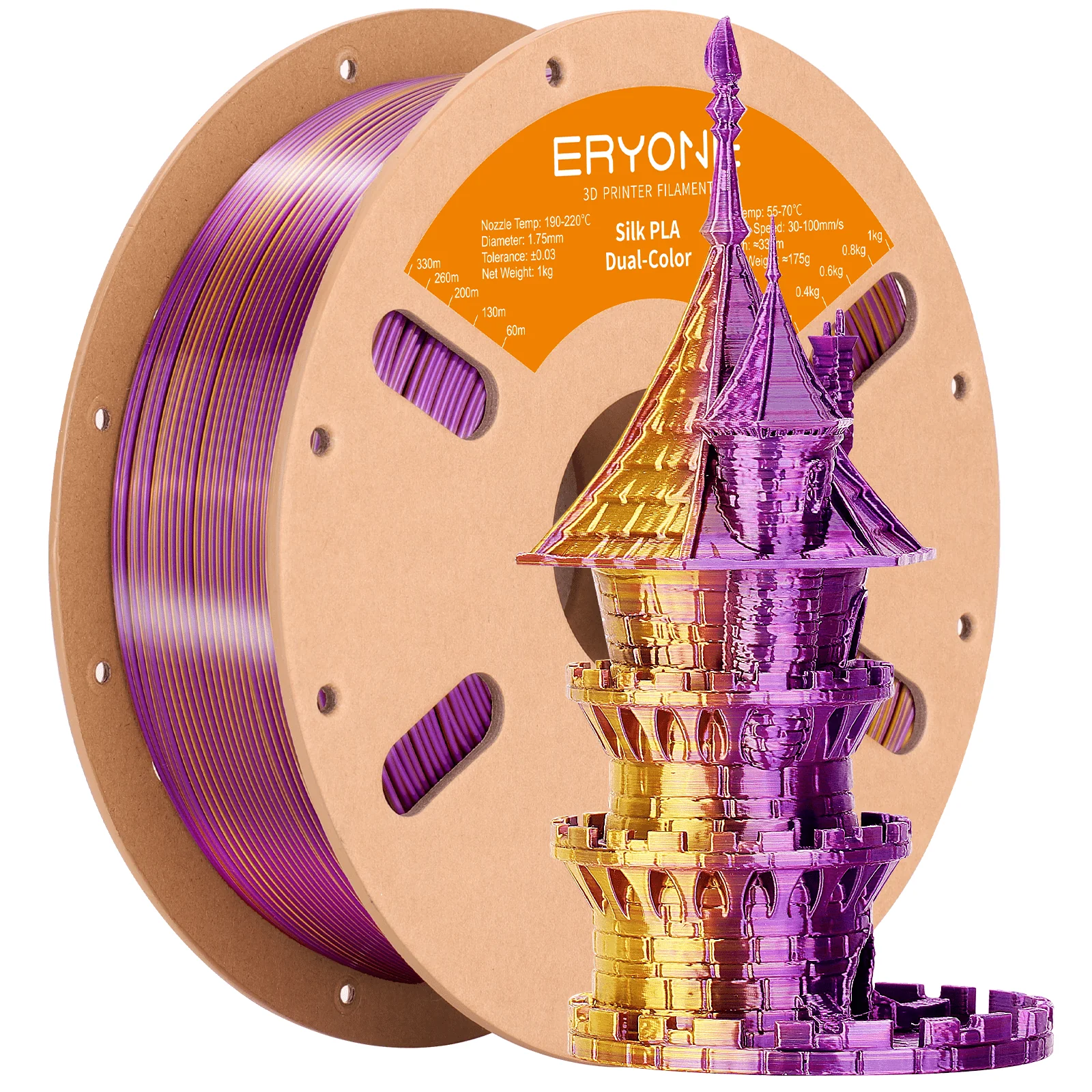
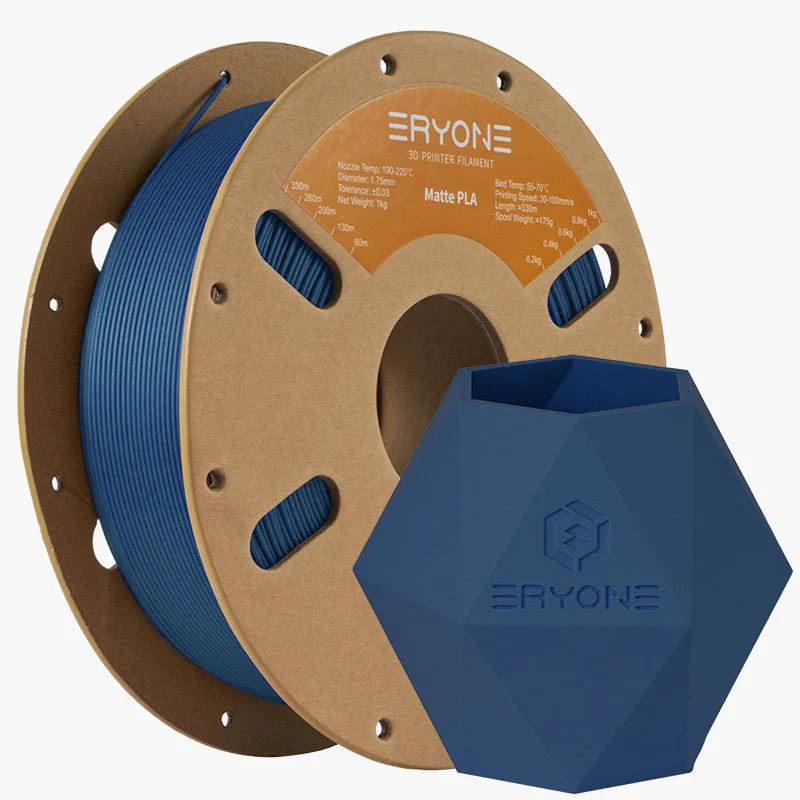
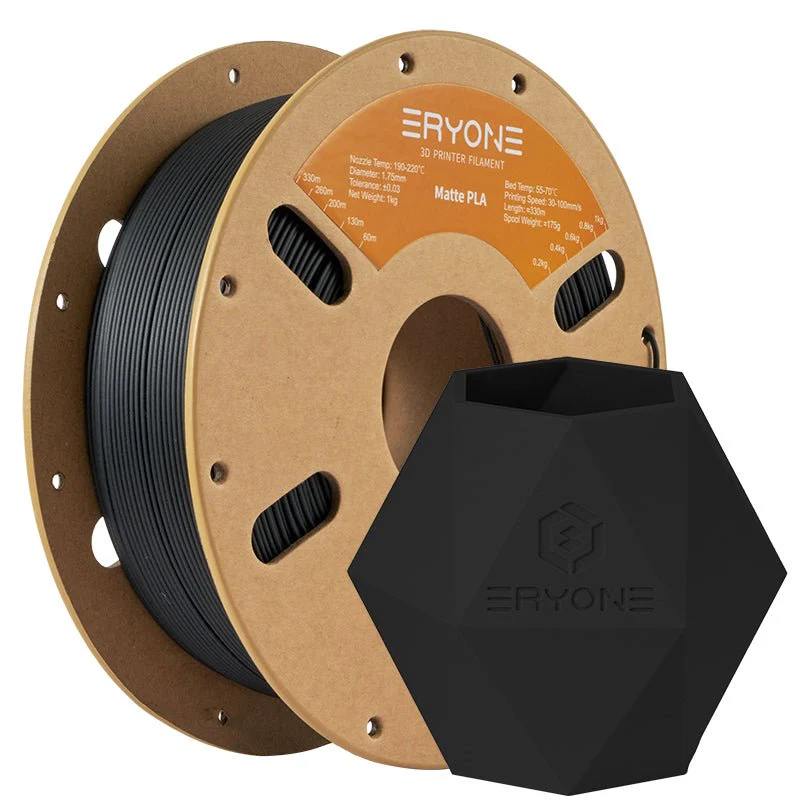
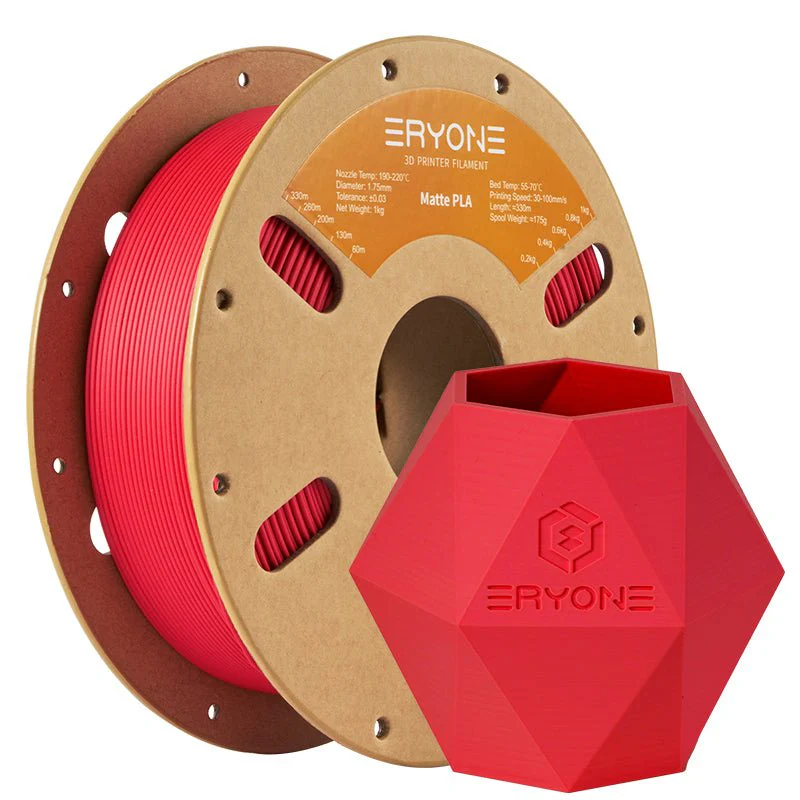
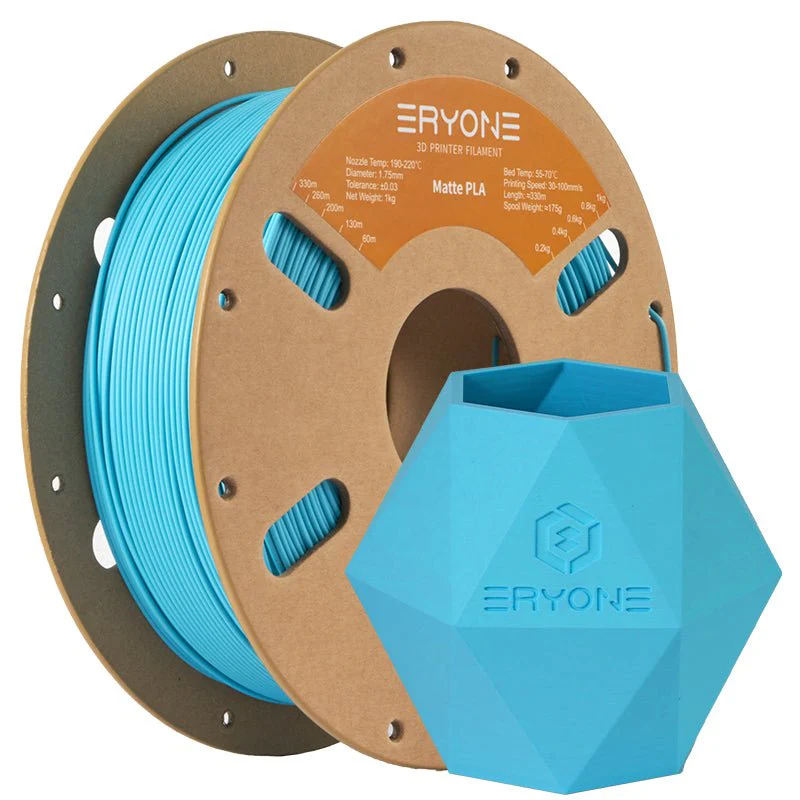
- Filament Diameter: 1.75mm
- Tolerance: ±0.03mm
- Printing Temperature: 190°C-220°C
- Heated Bed Temperature: 55-70°C
- Printing Speed: 30-100mm/s
Showcase:
FAQ
1.Q: Why my filament tangles? How can I solve it?
A: The tangle of filament isn’t caused by the disordered or the imperfect winding. According to the production technology of filament, the filament winds back and forth (from left to right and then from right to left). Normally, there is no overline tangle. A common cause of tangle is that the filament end is not fixed to the holes of spool. Overline tangle or the changed winding direction make filament tangle. So customers need to fix the filament end to the proper holes of the spool.
2.Q: Can PLA be used to print tableware?
A: Not recommended. Although PLA is degradable, food-grade raw material, the PLA with toner is non-food grade.
3.Q: The nozzle is clogged by PLA, and how can I solve it?
A: Inconstant filament diameter, the lower nozzle temperature and frequent replacement with different kinds of filaments will lead to this problem. So, before you get started, clean the nozzle and turn up the temperature to a proper value.
4.Q: My prints have web-like strings (stringing) issues. How can I troubleshoot it?
A: Too high temperature makes the PLA filament melt and flow so fast. Please turn the temperature down to a proper value. The retracting parameters are improper, so adjust the retracting length and speed.
5.Q: There are too much melted filament around the nozzle. What should I do?
A: This problem can be attributed to over-high temperature, low printing speed, and in the slice software, the nozzle diameter doesn’t match with the extrusion output.
6.Q: The PLA filament was perfect when I opened the package. After several times of intermittent printing, my PLA filament snaps by accident during printing. Why?
A: Normally, the PLA filament in the printing process will not snap by themselves. However, after being affected by moisture, the degradable material PLA will be more brittle and easier to break, so you should pay attention to dampproof.
7.Q: The surface of my print isn’t very smooth, and the extruded filament has inconstant diameters. Why?
A: The printing temperature is too high or too low. The temperature doesn’t match well with the printing speed. You need to adjust the printing speed or temperature.
8.Q: Why my PLA-printed objects don't stick to the heated bed? How do I solve?
A: The distance between the nozzle and the bed is too far. Make sure your heated bed is leveled and it’s clean. Then judge if the printing temperature and heated bed temperature are too low, and our customers should adjust them to correct ranges.
Details & Craftsmanship
Every detail has been carefully considered to bring you the perfect product.
Details & Craftsmanship
Every detail has been carefully considered to bring you the perfect product.
Details & Craftsmanship
Every detail has been carefully considered to bring you the perfect product.
Details & Craftsmanship
Every detail has been carefully considered to bring you the perfect product.
Details & Craftsmanship
Every detail has been carefully considered to bring you the perfect product.
Details & Craftsmanship
Every detail has been carefully considered to bring you the perfect product.
Details & Craftsmanship
Every detail has been carefully considered to bring you the perfect product.
Details & Craftsmanship
Every detail has been carefully considered to bring you the perfect product.
Details & Craftsmanship
Every detail has been carefully considered to bring you the perfect product.
Details & Craftsmanship
Every detail has been carefully considered to bring you the perfect product.
Details & Craftsmanship
Every detail has been carefully considered to bring you the perfect product.
Details & Craftsmanship
Every detail has been carefully considered to bring you the perfect product.
Details & Craftsmanship
Every detail has been carefully considered to bring you the perfect product.
Details & Craftsmanship
Every detail has been carefully considered to bring you the perfect product.
Details & Craftsmanship
Every detail has been carefully considered to bring you the perfect product.
Details & Craftsmanship
Every detail has been carefully considered to bring you the perfect product.
Details & Craftsmanship
Every detail has been carefully considered to bring you the perfect product.
Details & Craftsmanship
Every detail has been carefully considered to bring you the perfect product.
Details & Craftsmanship
Every detail has been carefully considered to bring you the perfect product.
Details & Craftsmanship
Every detail has been carefully considered to bring you the perfect product.
Details & Craftsmanship
Every detail has been carefully considered to bring you the perfect product.
Details & Craftsmanship
Every detail has been carefully considered to bring you the perfect product.
Details & Craftsmanship
Every detail has been carefully considered to bring you the perfect product.
Details & Craftsmanship
Every detail has been carefully considered to bring you the perfect product.
Details & Craftsmanship
Every detail has been carefully considered to bring you the perfect product.
Details & Craftsmanship
Every detail has been carefully considered to bring you the perfect product.
Description
Matte PLA review by Parliamo di Maker
Matte PLA review by INOV3D
Feature:
The surface of the print has a matte (matte) effect, which is suitable for printing artwork.
Specifications:
- Filament Diameter: 1.75mm
- Tolerance: ±0.03mm
- Printing Temperature: 190°C-220°C
- Heated Bed Temperature: 55-70°C
- Printing Speed: 30-100mm/s
Showcase:
FAQ
1.Q: Why my filament tangles? How can I solve it?
A: The tangle of filament isn’t caused by the disordered or the imperfect winding. According to the production technology of filament, the filament winds back and forth (from left to right and then from right to left). Normally, there is no overline tangle. A common cause of tangle is that the filament end is not fixed to the holes of spool. Overline tangle or the changed winding direction make filament tangle. So customers need to fix the filament end to the proper holes of the spool.
2.Q: Can PLA be used to print tableware?
A: Not recommended. Although PLA is degradable, food-grade raw material, the PLA with toner is non-food grade.
3.Q: The nozzle is clogged by PLA, and how can I solve it?
A: Inconstant filament diameter, the lower nozzle temperature and frequent replacement with different kinds of filaments will lead to this problem. So, before you get started, clean the nozzle and turn up the temperature to a proper value.
4.Q: My prints have web-like strings (stringing) issues. How can I troubleshoot it?
A: Too high temperature makes the PLA filament melt and flow so fast. Please turn the temperature down to a proper value. The retracting parameters are improper, so adjust the retracting length and speed.
5.Q: There are too much melted filament around the nozzle. What should I do?
A: This problem can be attributed to over-high temperature, low printing speed, and in the slice software, the nozzle diameter doesn’t match with the extrusion output.
6.Q: The PLA filament was perfect when I opened the package. After several times of intermittent printing, my PLA filament snaps by accident during printing. Why?
A: Normally, the PLA filament in the printing process will not snap by themselves. However, after being affected by moisture, the degradable material PLA will be more brittle and easier to break, so you should pay attention to dampproof.
7.Q: The surface of my print isn’t very smooth, and the extruded filament has inconstant diameters. Why?
A: The printing temperature is too high or too low. The temperature doesn’t match well with the printing speed. You need to adjust the printing speed or temperature.
8.Q: Why my PLA-printed objects don't stick to the heated bed? How do I solve?
A: The distance between the nozzle and the bed is too far. Make sure your heated bed is leveled and it’s clean. Then judge if the printing temperature and heated bed temperature are too low, and our customers should adjust them to correct ranges.